
GC Enterprise Guide
Bring your workspace to life.
Set up your organisation, turn approved documents into training, and see how your people learn.

Explore the portals
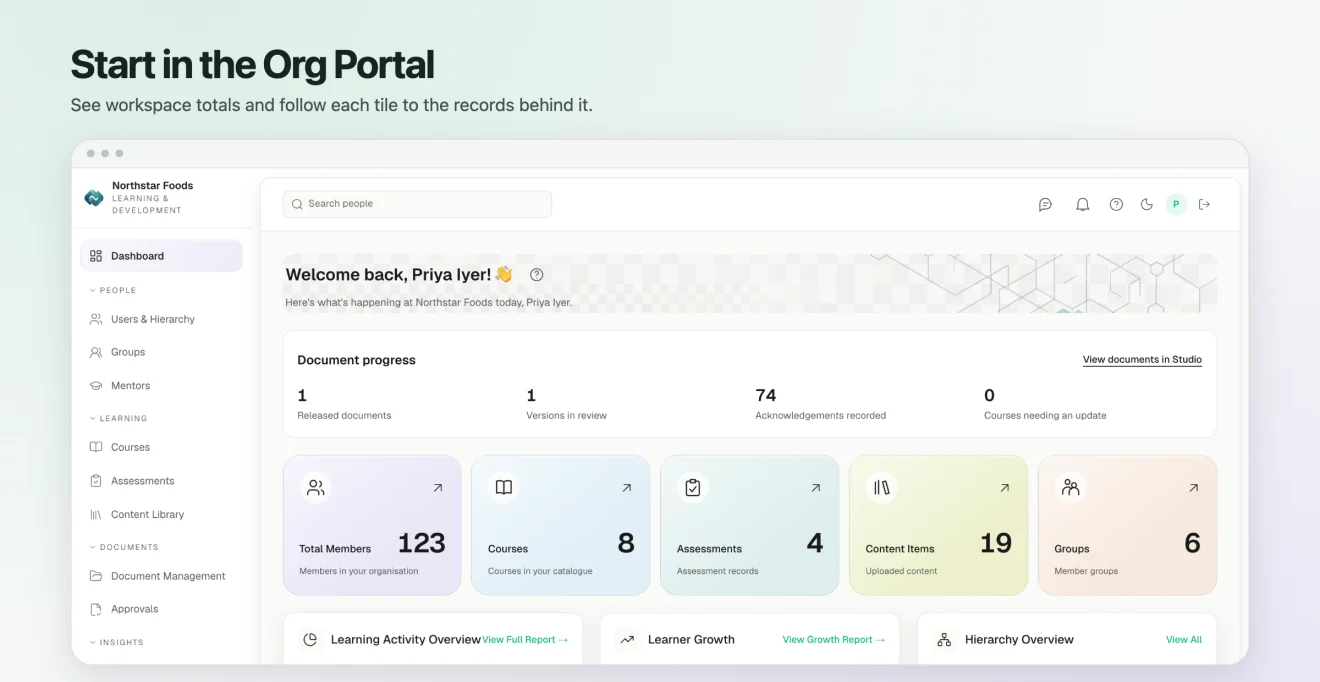
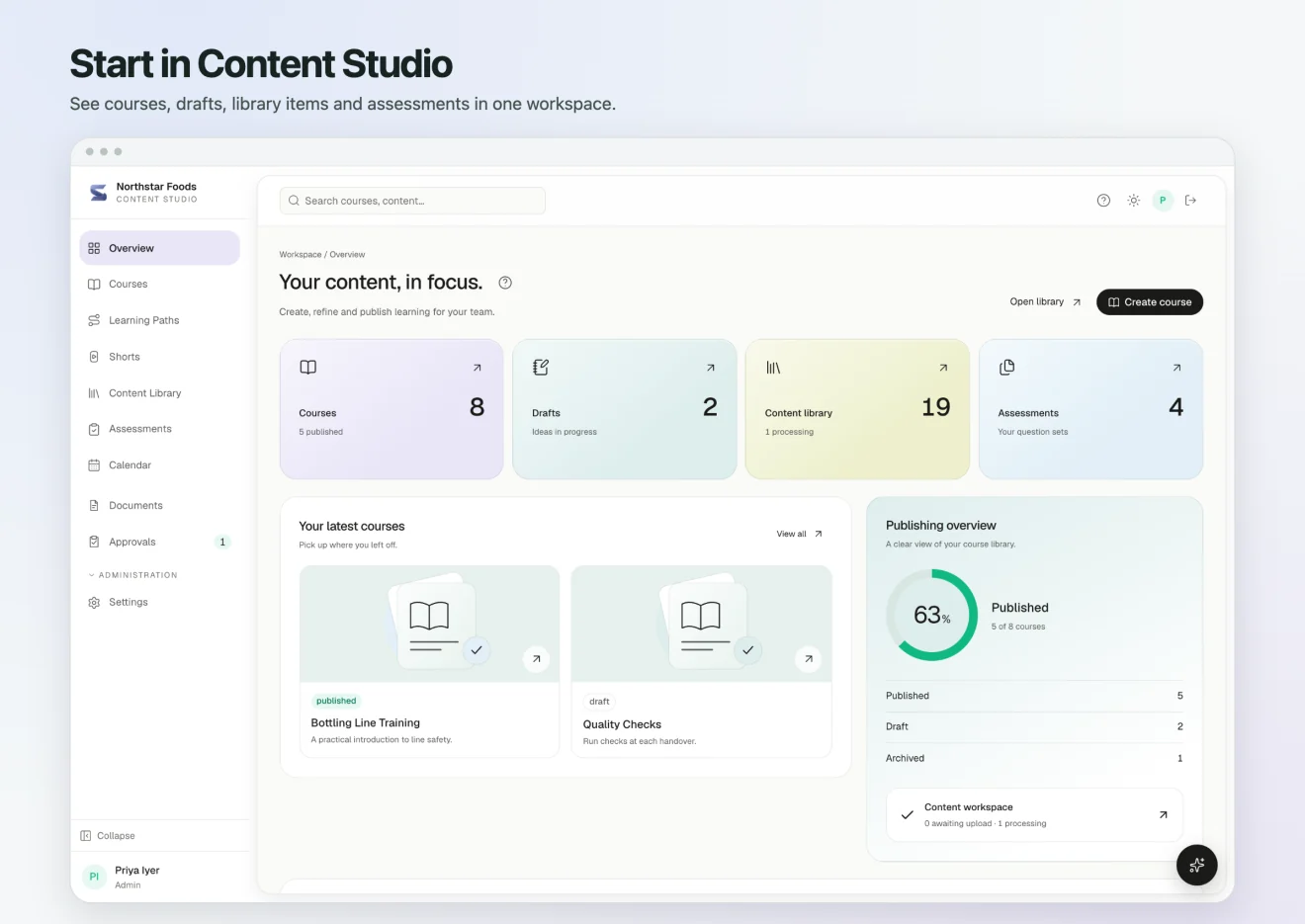
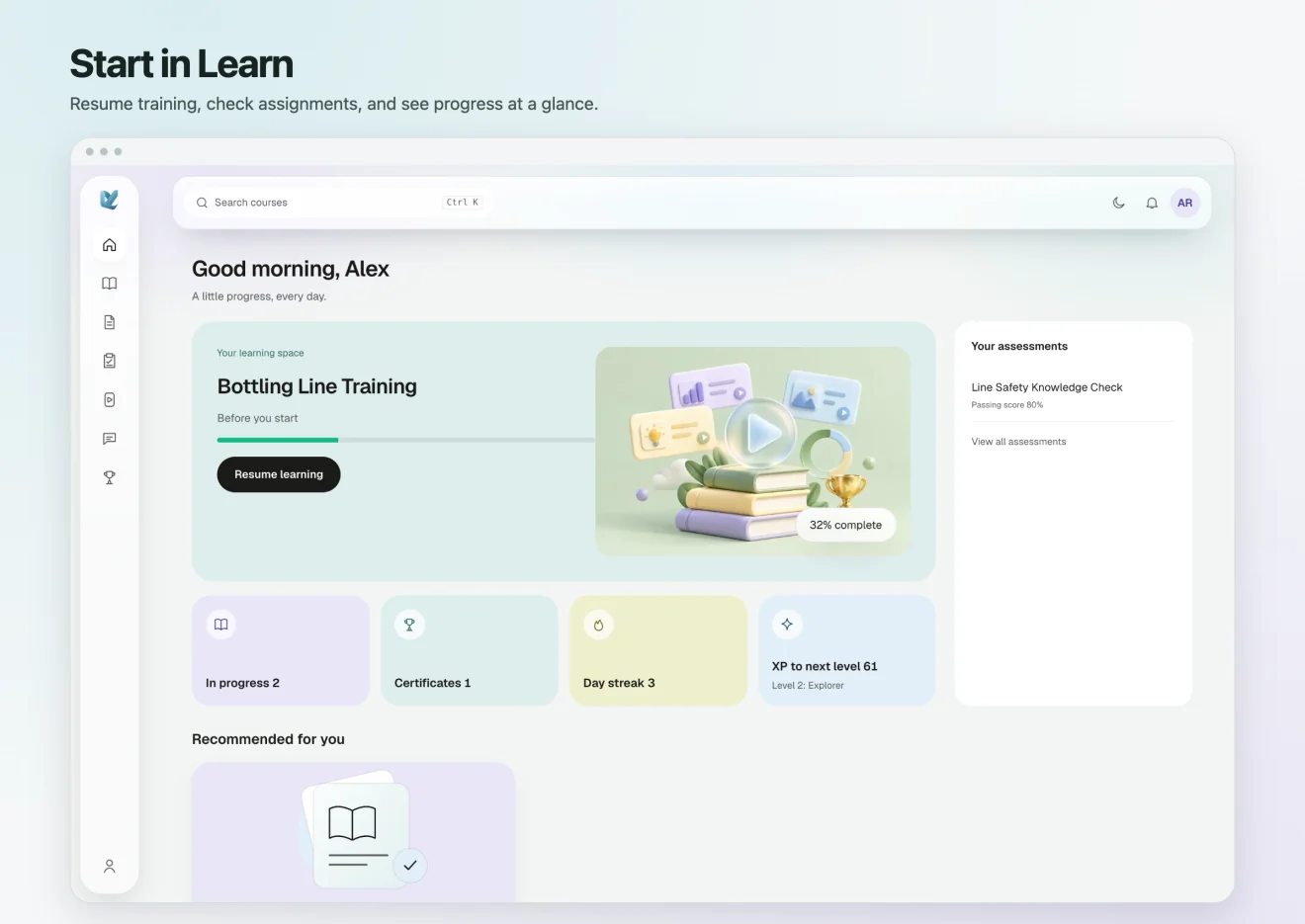
Welcome to GC Enterprise
GC Enterprise keeps your company's important documents under control and trains your people on them. It joins two ideas that are usually separate:
- Document control keeps every SOP, policy and work instruction in one place. Each one has an owner, a review and approval step, a version history and an expiry date.
- Learning turns approved documents into courses and quizzes, assigns them to the right people, and records who has read, learned and passed.
When a document changes, the right people are told, the right training is updated, and you can prove who knew what, and when.
Where you will work
GC Enterprise has four places. Your organisation's short name goes in each address (for example vb1).
| Place | Address | Used by | What you do there |
|---|---|---|---|
| Corp (organisation portal) | corp.growthcharters.com/<your-org> | Admins and managers | People, groups, assigning training, reports, settings |
| Studio | studio.corp.growthcharters.com/<your-org> | Authors, reviewers, approvers | Content library, documents, courses, assessments |
| Learn | learn.corp.growthcharters.com/<your-org> | Everyone | Courses, documents to read, quizzes, messages |
| Mobile app | iOS and Android | Learners in the field | The same learning on your phone |
You sign in once. Corp, Studio and Learn share your session.
The whole journey on one line
- 1Set up your organisationAdmin in CorpPeople, units, groups
- 2Upload contentAuthor in StudioFiles go to the Content Library
- 3Control the documentContributor, reviewer, approverDraft, review, approve, release
- 4Build learningAuthor in StudioCourses and assessments from approved files
- 5Assign trainingAdmin or manager in CorpChoose people, due date, mandatory
- 6Learn and readEveryone in Learn or the appLessons, quizzes, documents to acknowledge
- 7Check progressAdmin and managers in CorpReports, analytics, audit logs
Choose your path
- I am new and need to sign in → Getting started
- I want to know what I am allowed to do → Roles and permissions
- I am setting up the organisation → Set up your organisation
- I upload files → Upload content
- I look after SOPs and policies → Document control
- I build courses and quizzes → Courses and assessments
- I give people training → Assign training
- I am a learner → Learner journey
- I need numbers and evidence → Reports and audit
- I want to see everything working together → End to end: an SOP changes
- Something went wrong → Questions and fixes