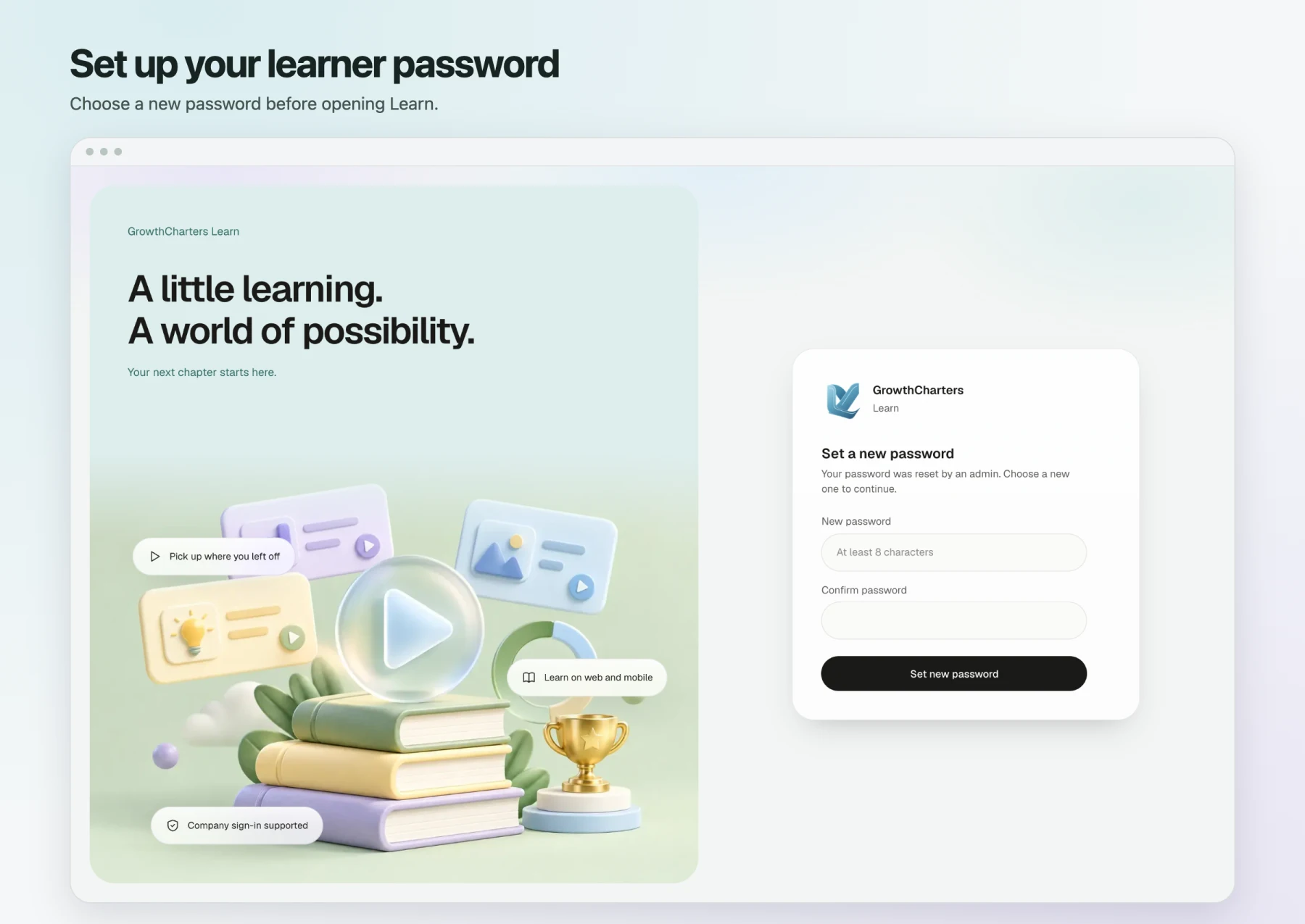
Learn screens
Find the screen you need, or follow the guided walkthrough. The screenshots use a demo workspace.
Home and navigation · Training and documents · Account and updates
Home and navigation
Learn home
Resume a lesson or open recent training.
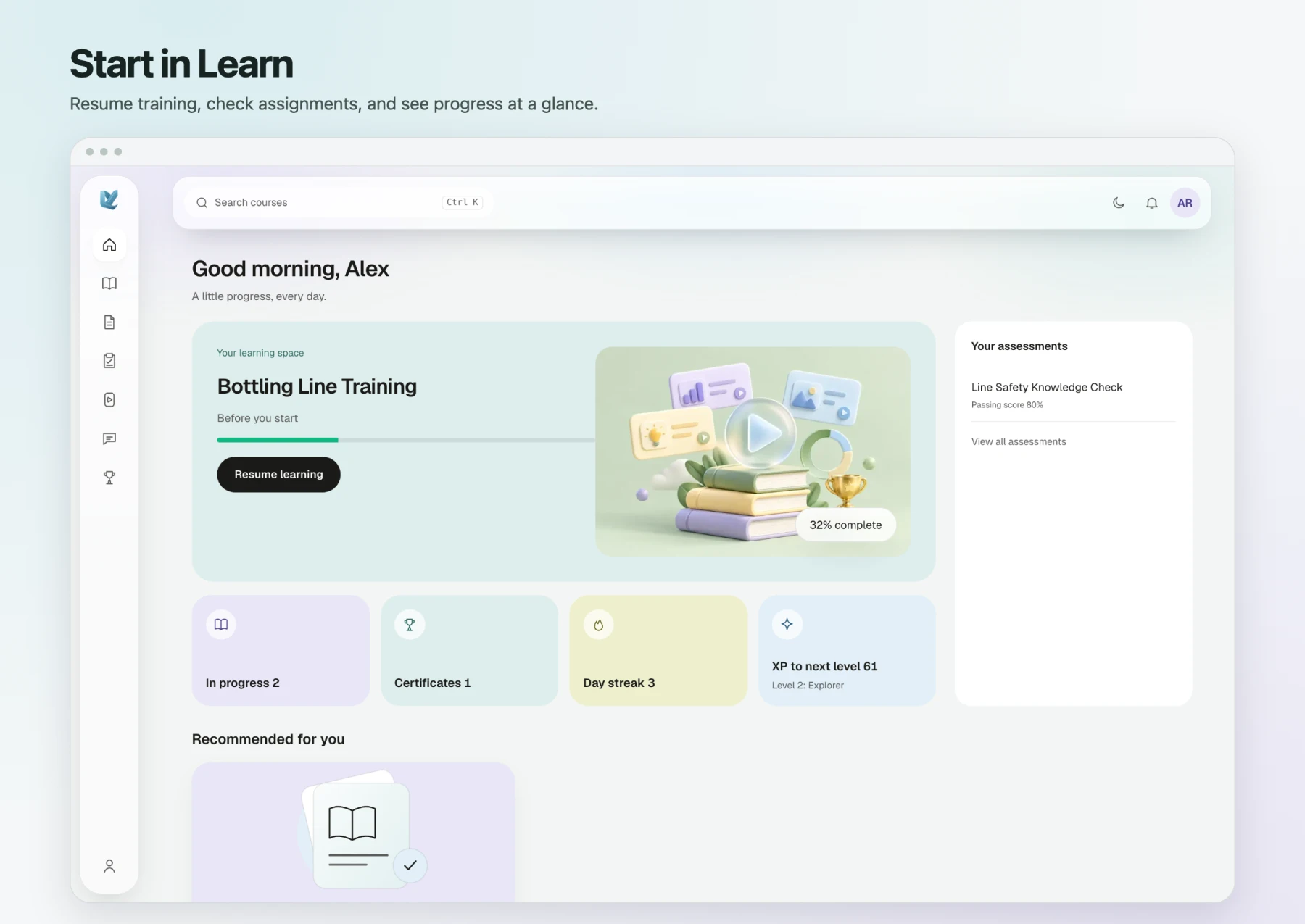
Progress tiles
Check courses in progress, certificates, streak and XP.

Desktop navigation
Use the rail to open Home, Courses, Documents, Quizzes, Shorts and other learner pages.

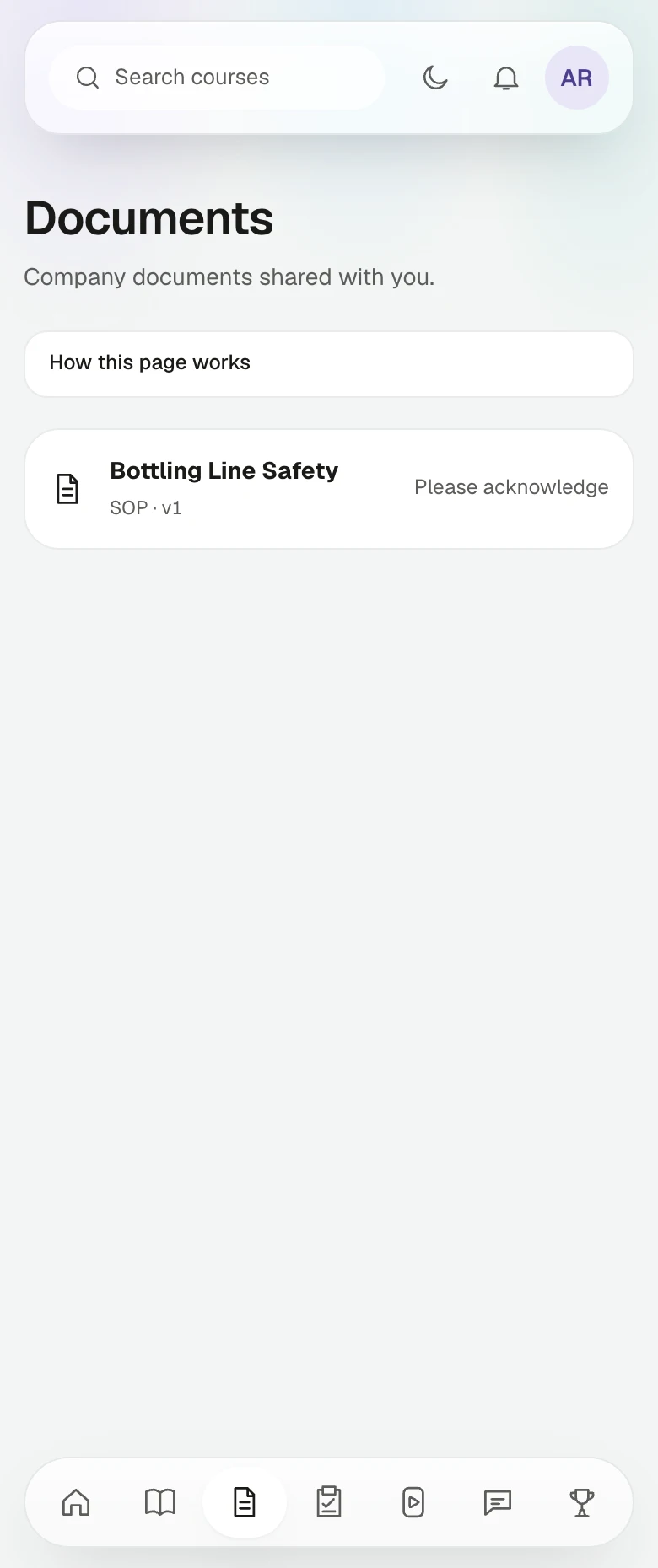
Mobile web dock
Switch sections from the dock in the mobile browser.
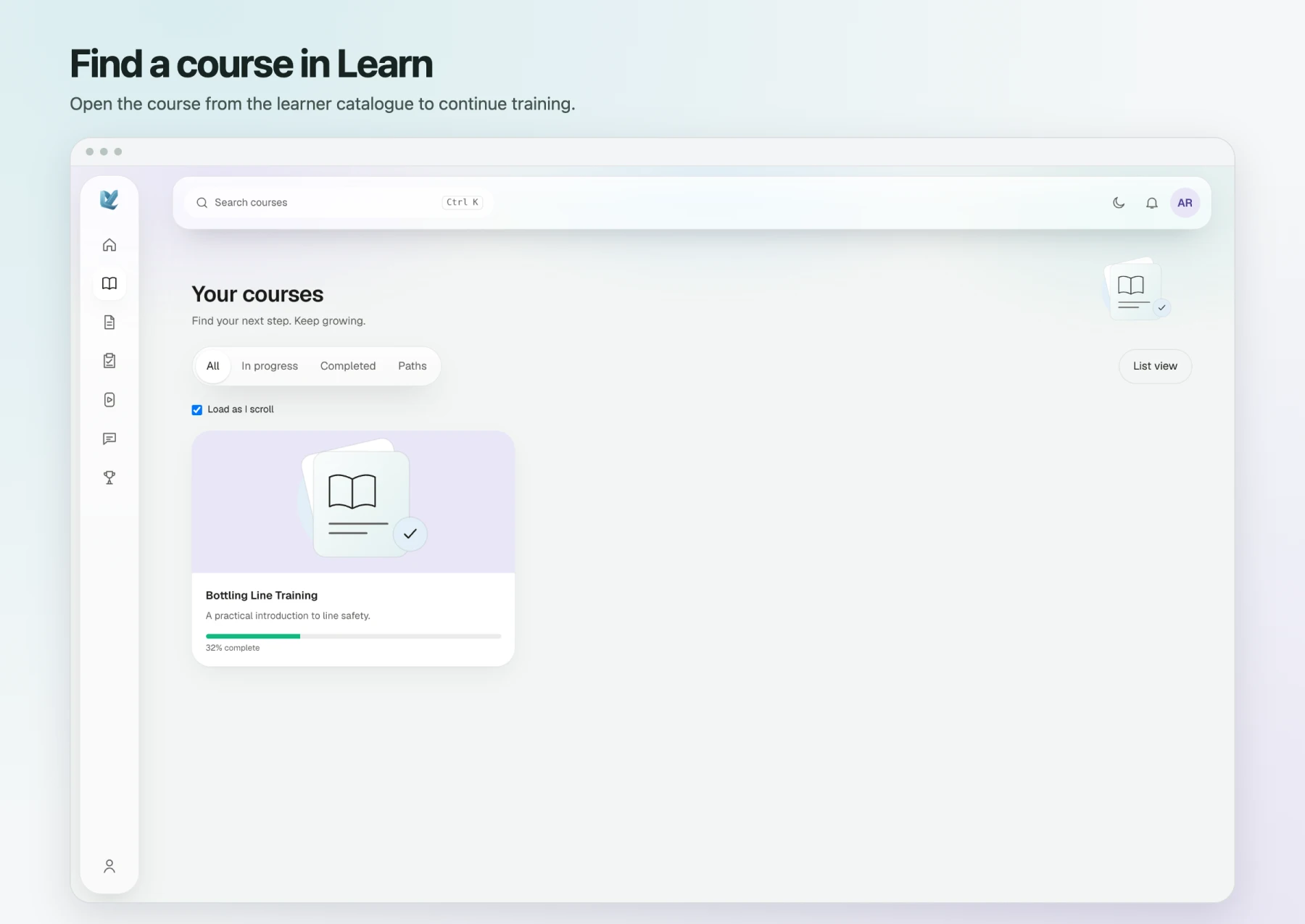
Courses
Find available courses and check your progress.
Training and documents
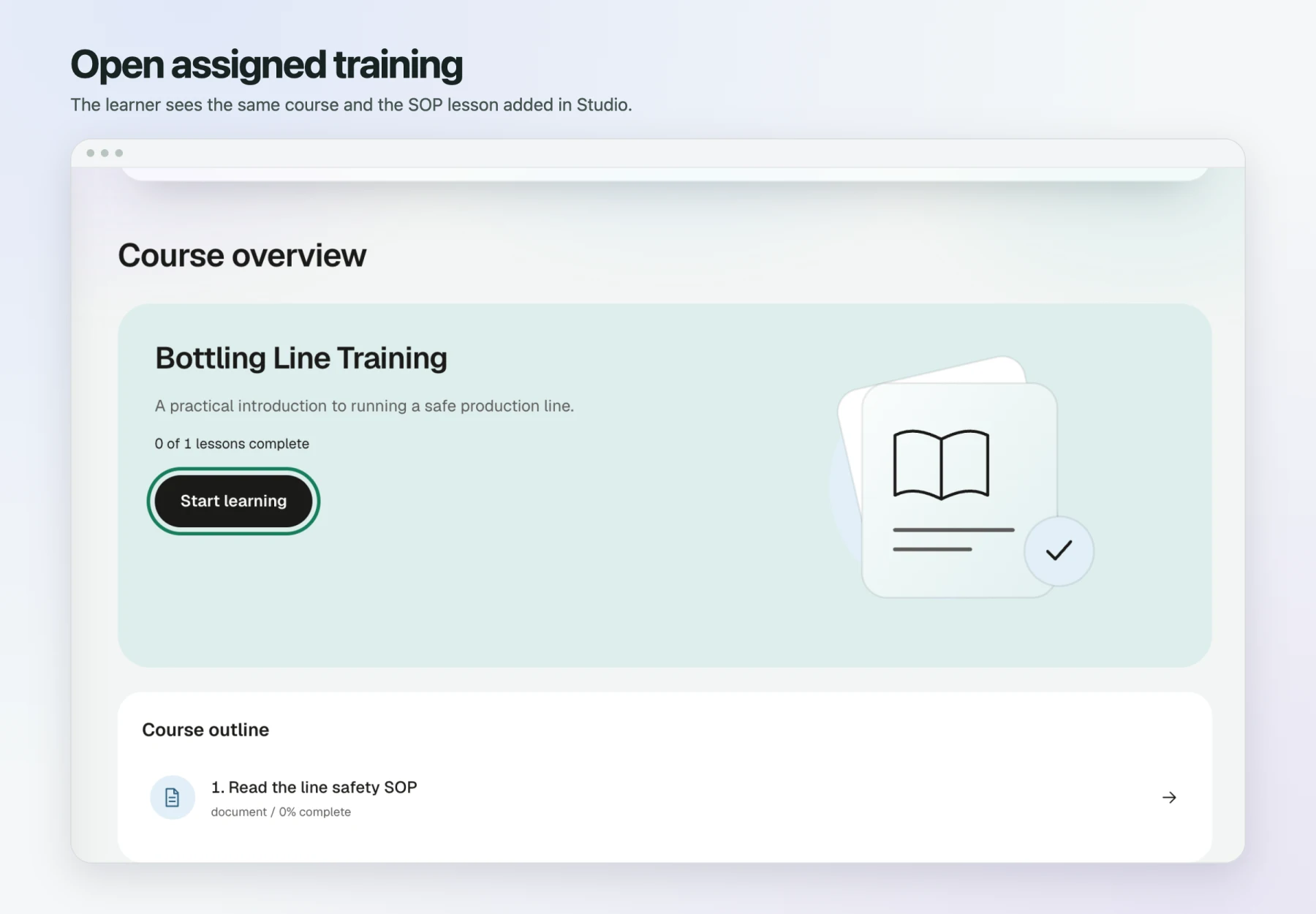
Course overview
Open a course and start or resume the next lesson.
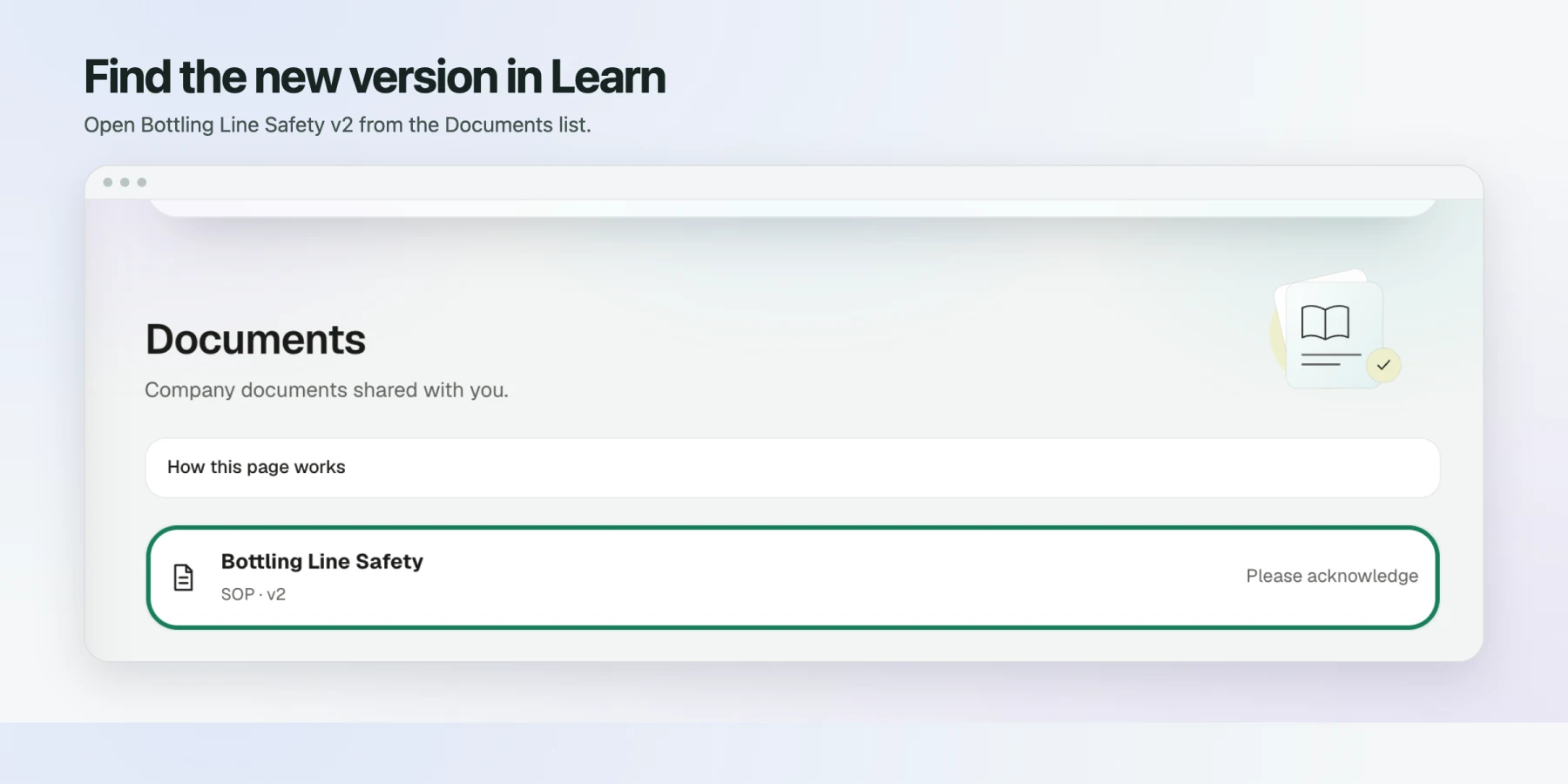
Released documents
Find the document that needs your acknowledgement.
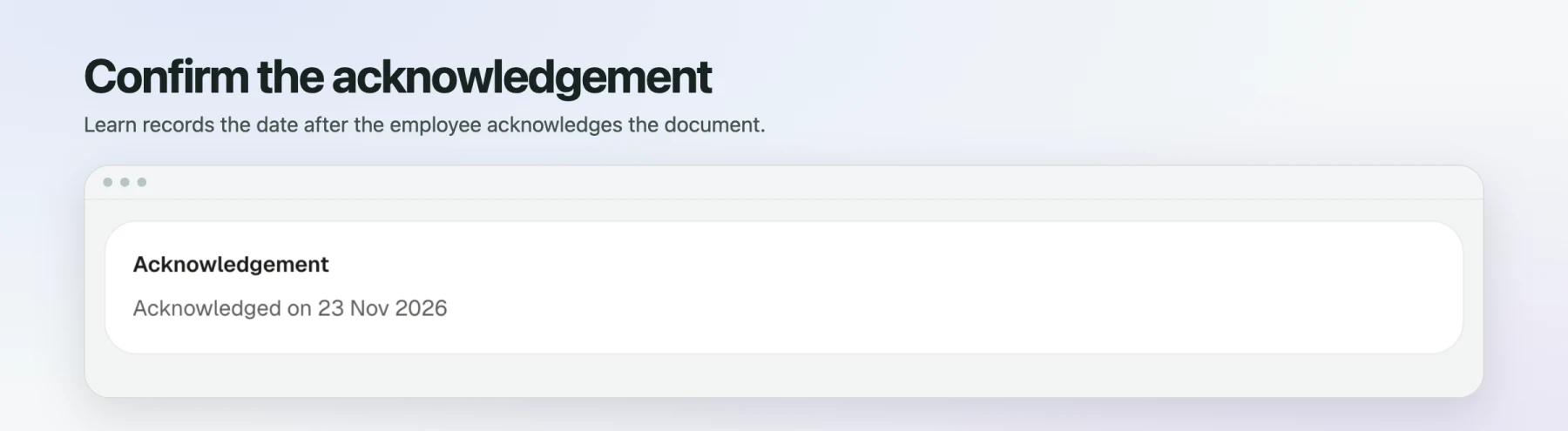
Acknowledgement receipt
Confirm the recorded date after acknowledging a document.
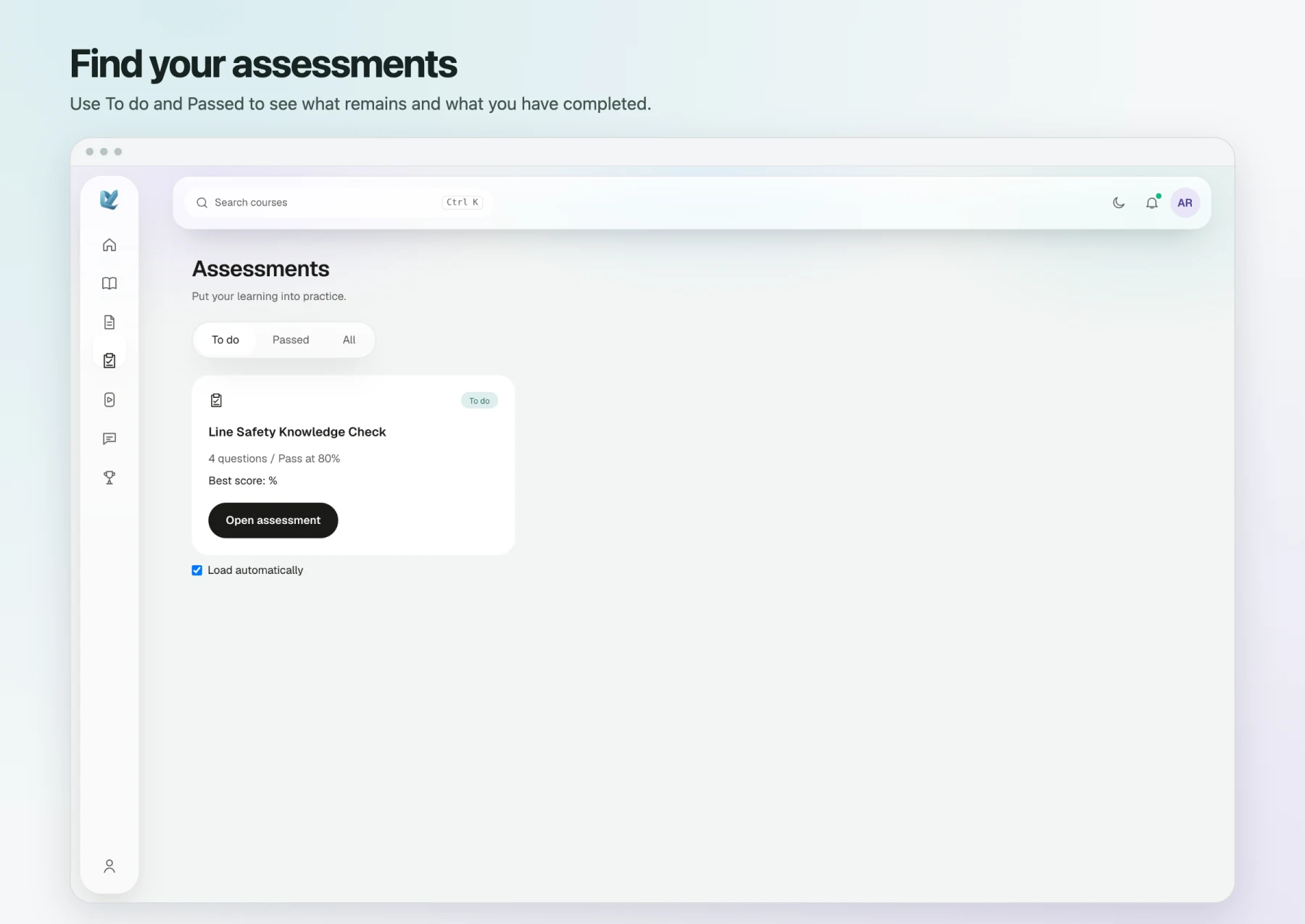
Quizzes
Check which assessments are due or already passed.
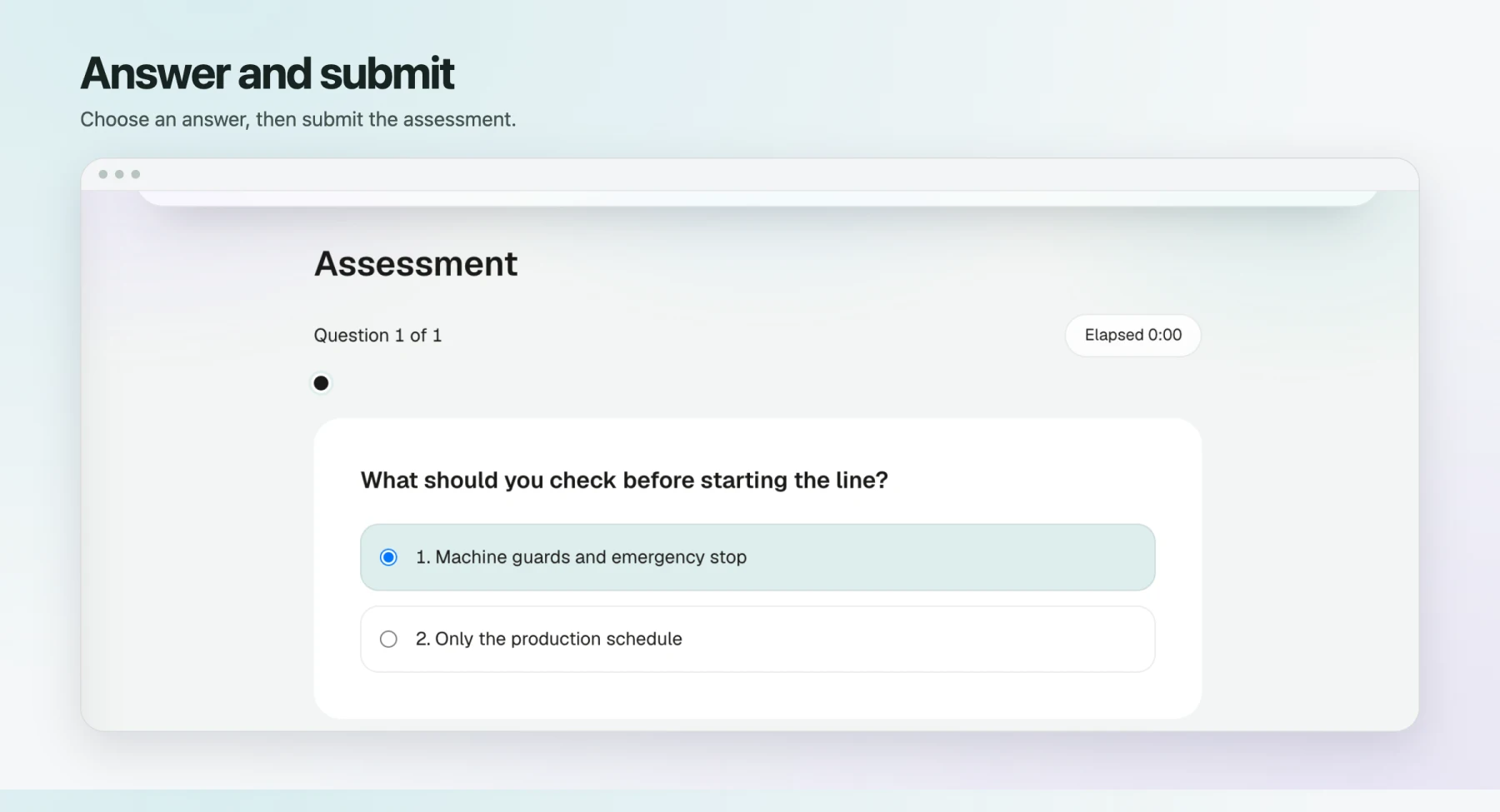
Answer a question
Choose an answer and submit the assessment when finished.
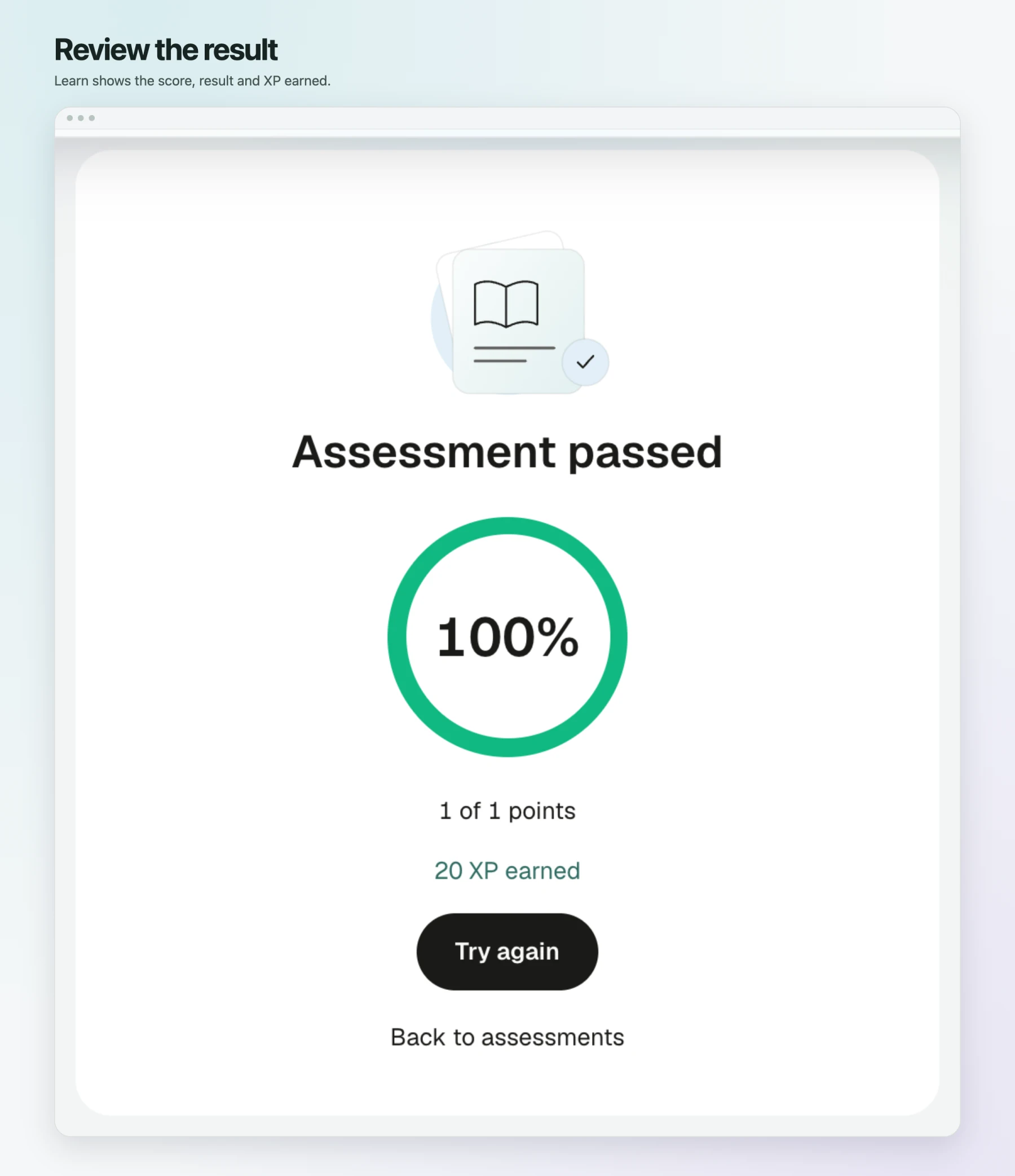
Quiz result
Review your score and pass status.
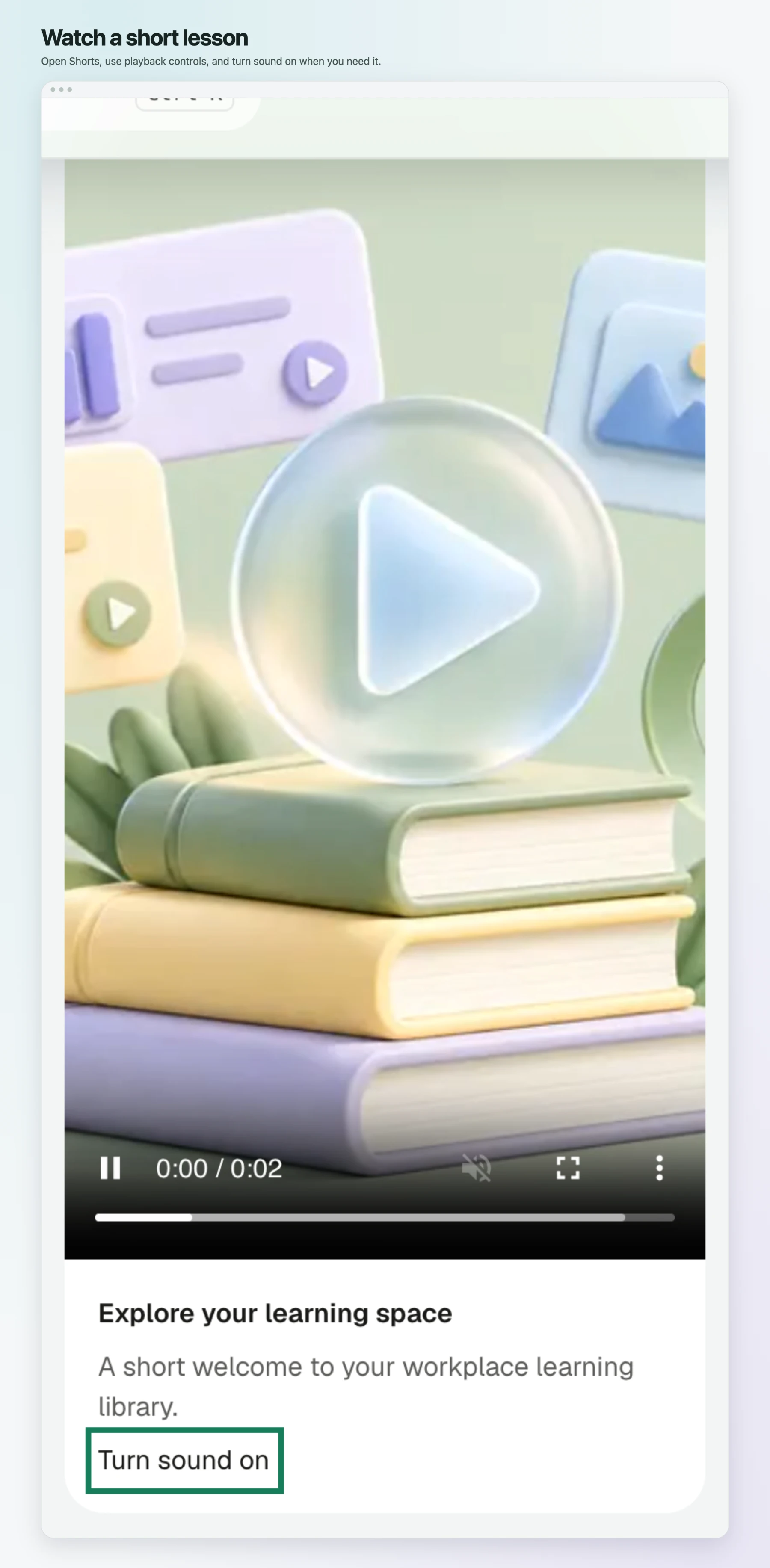
Shorts
Open the short-video feed and start or pause a clip.
Account and updates
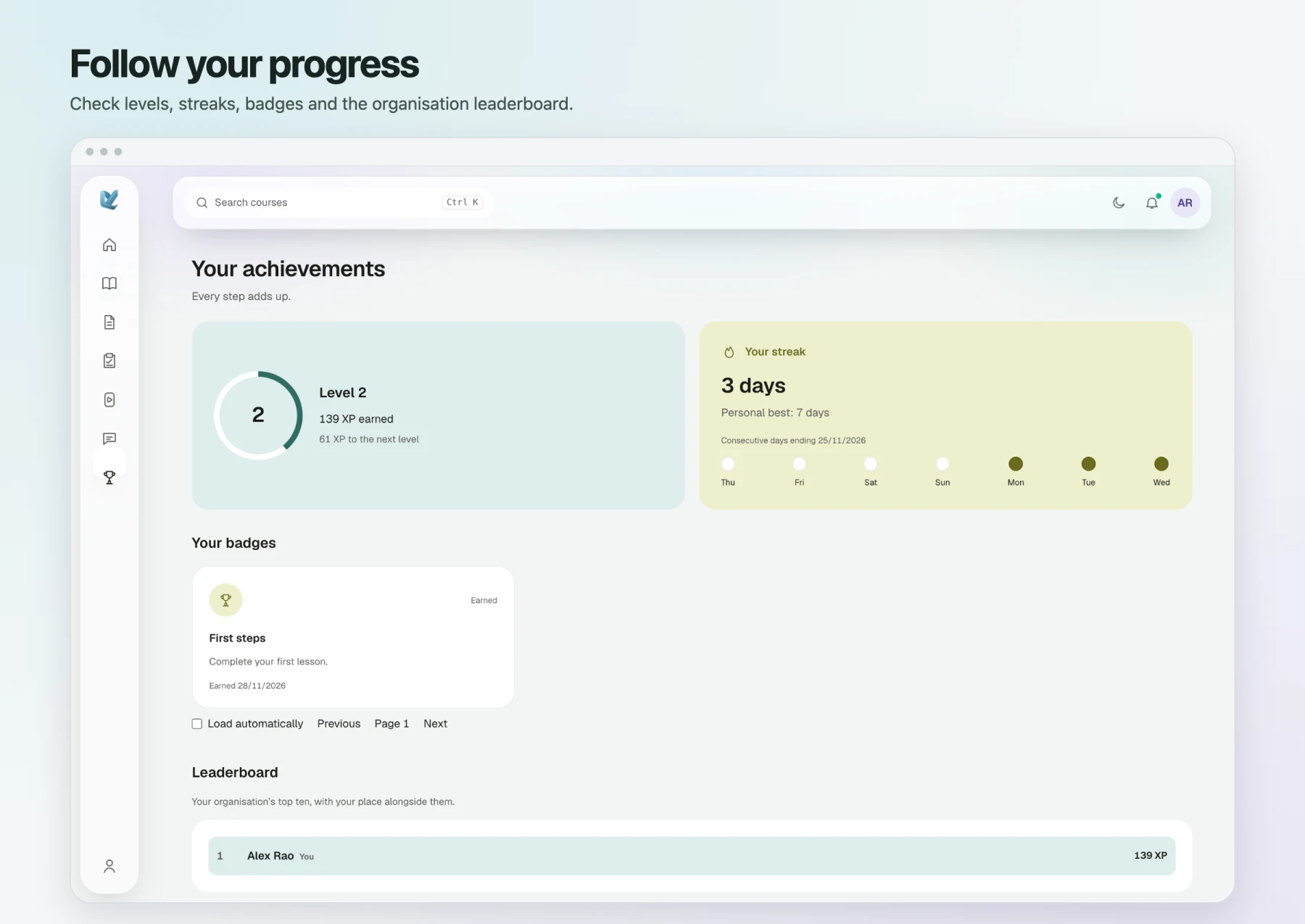
Achievements
Check badges, streaks, XP and certificates.
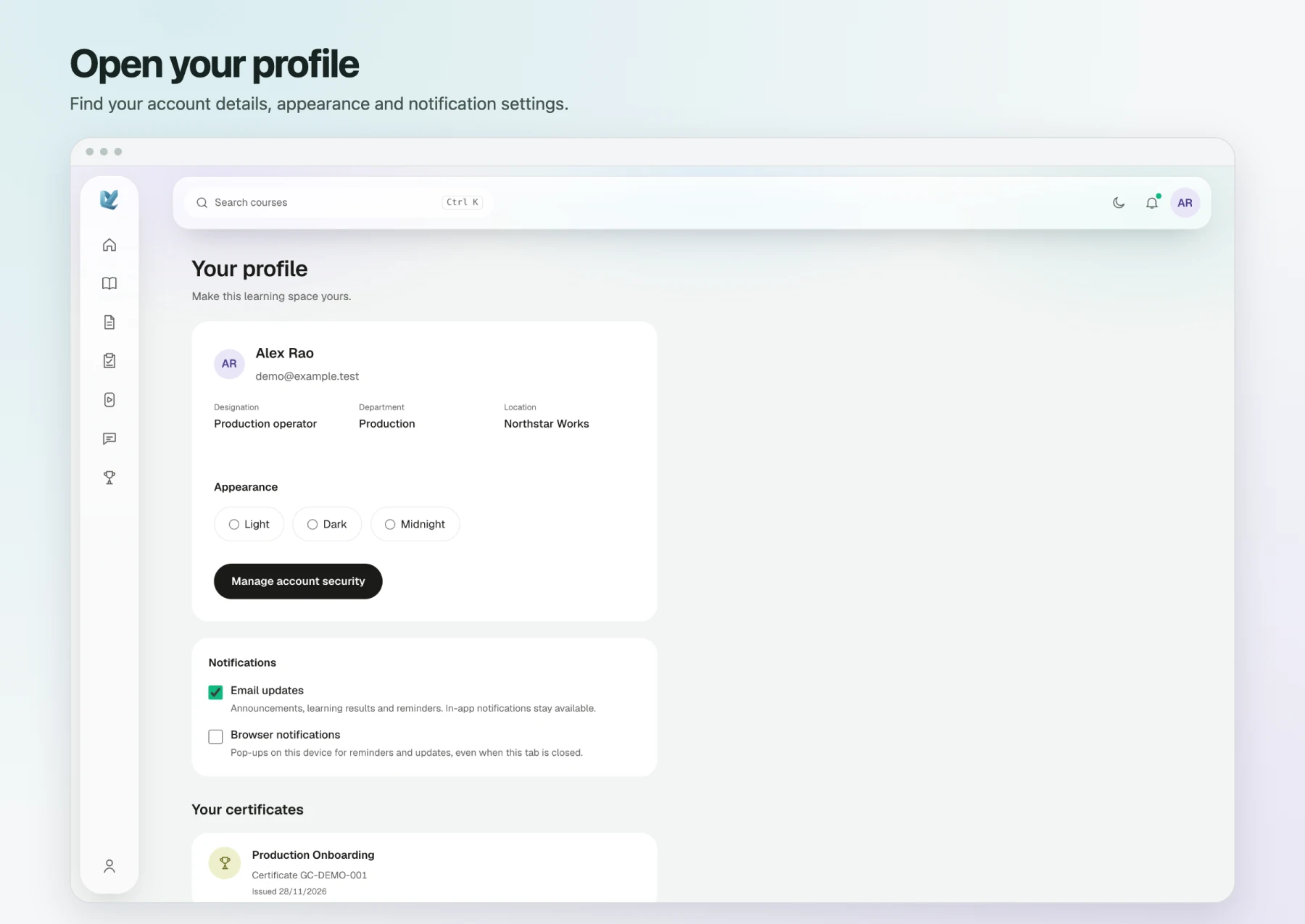
Profile
Review your account and preferences.
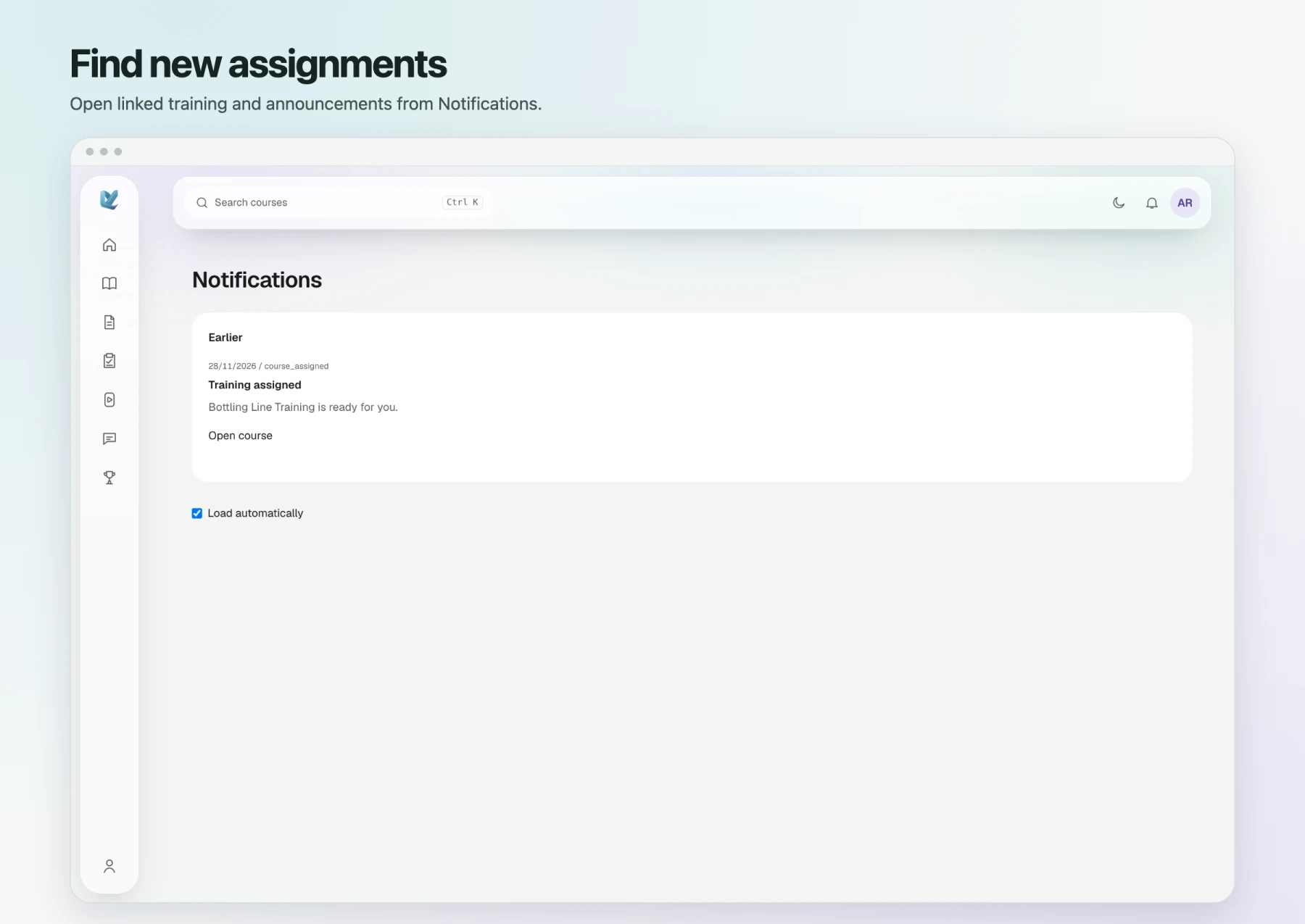
Notifications
Open a notification to see the related action.
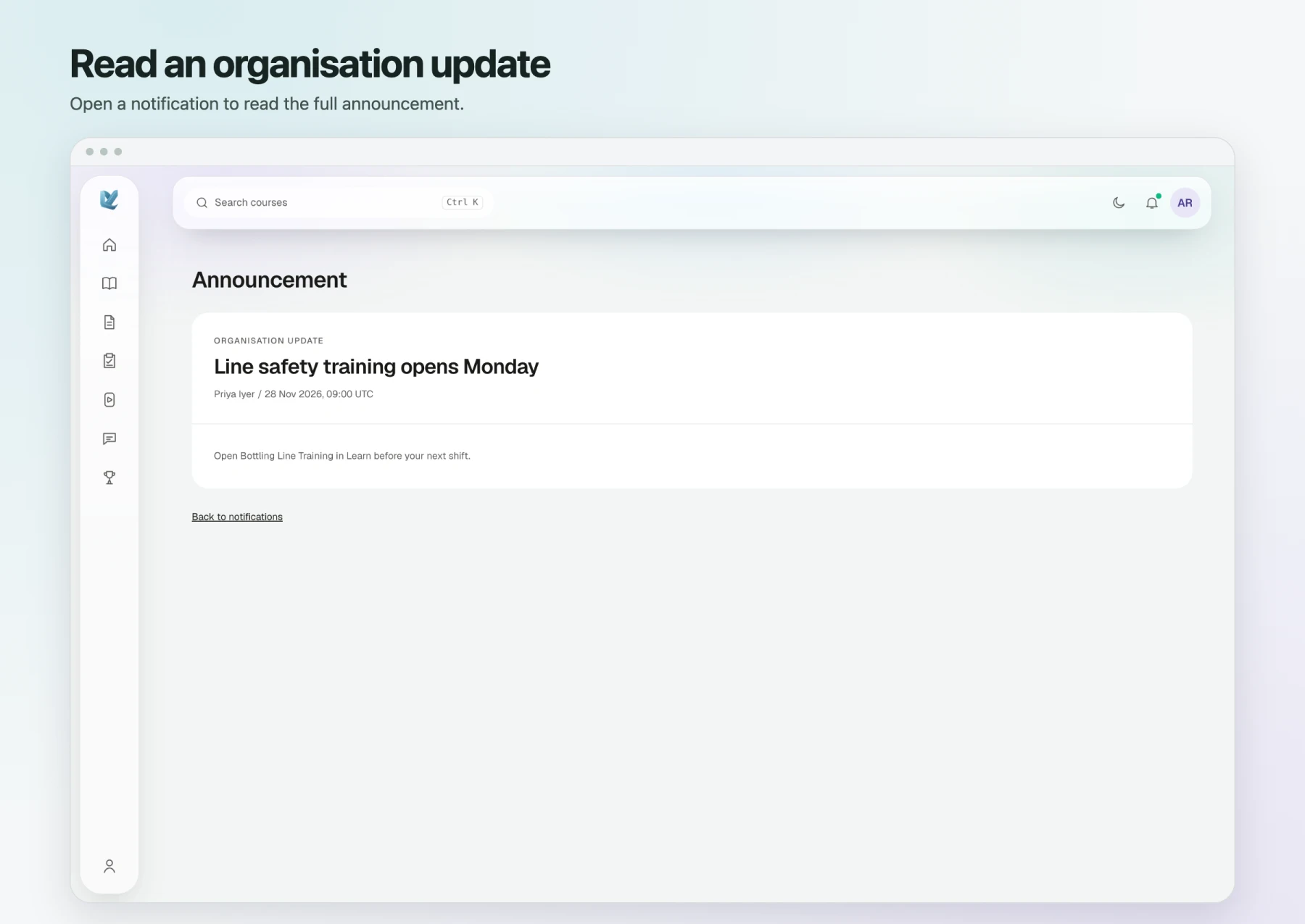
Announcements
Read an update from your organisation.
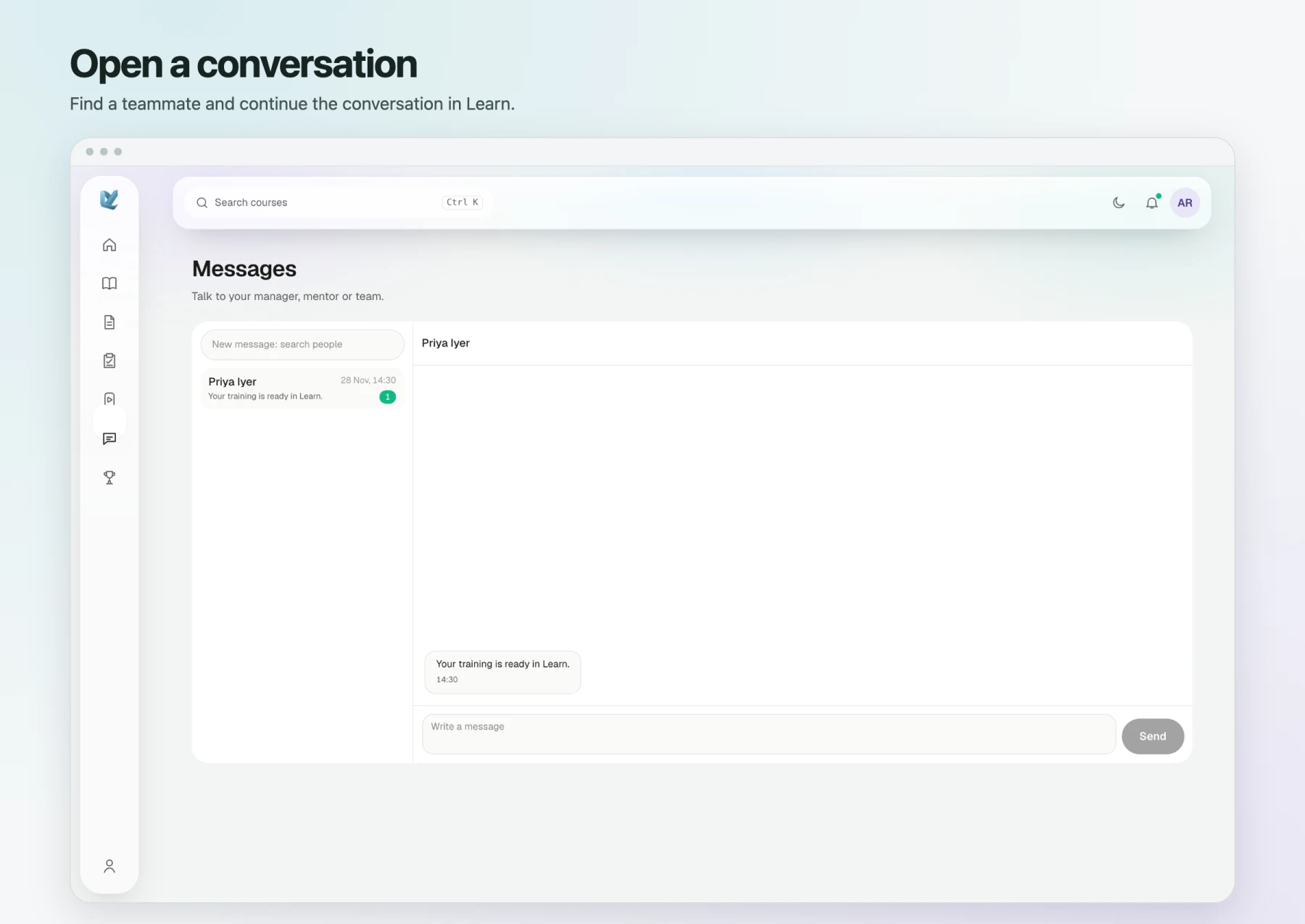
Messages
Open a conversation and reply.
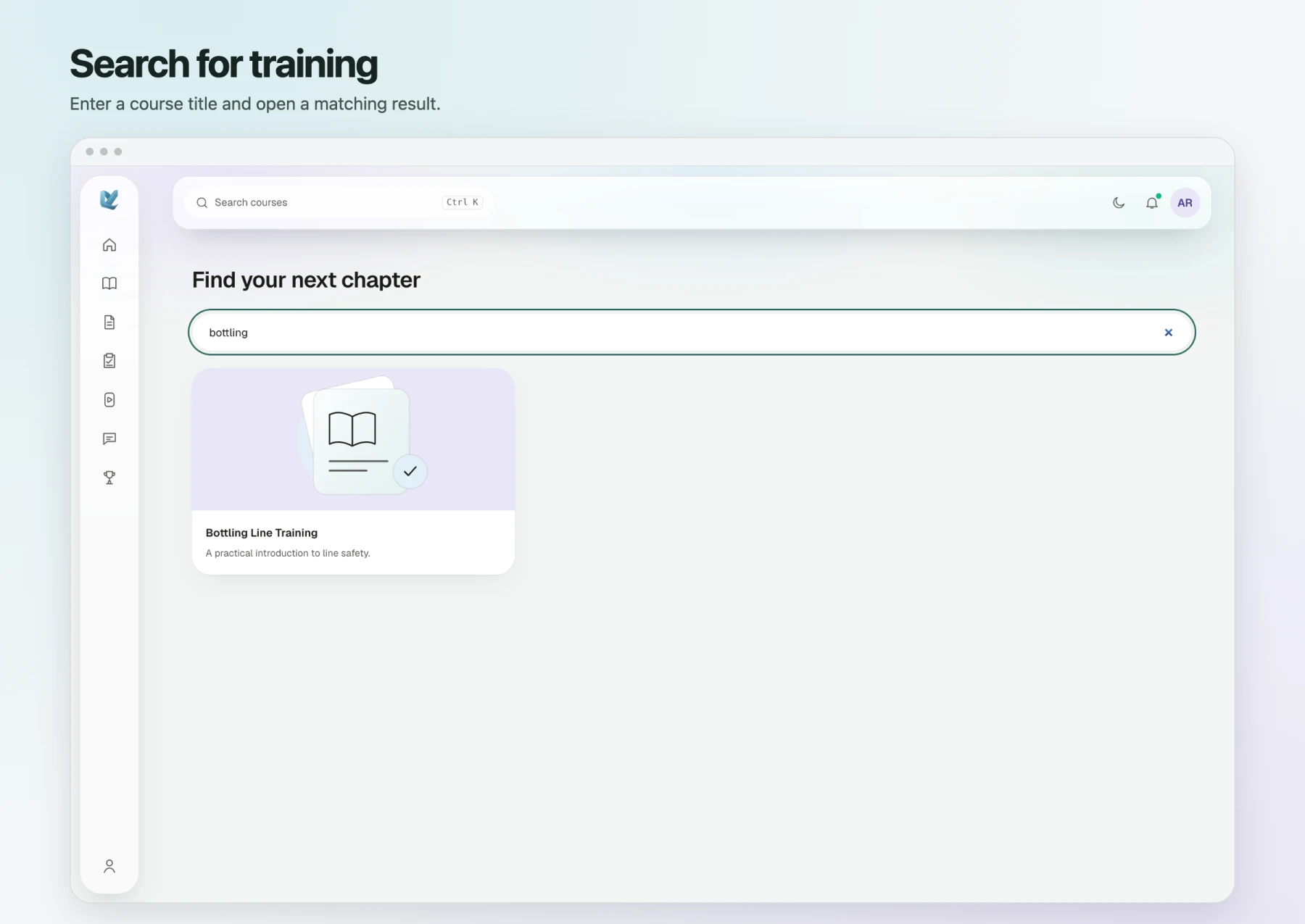
Search
Enter a course name or keyword to find training.
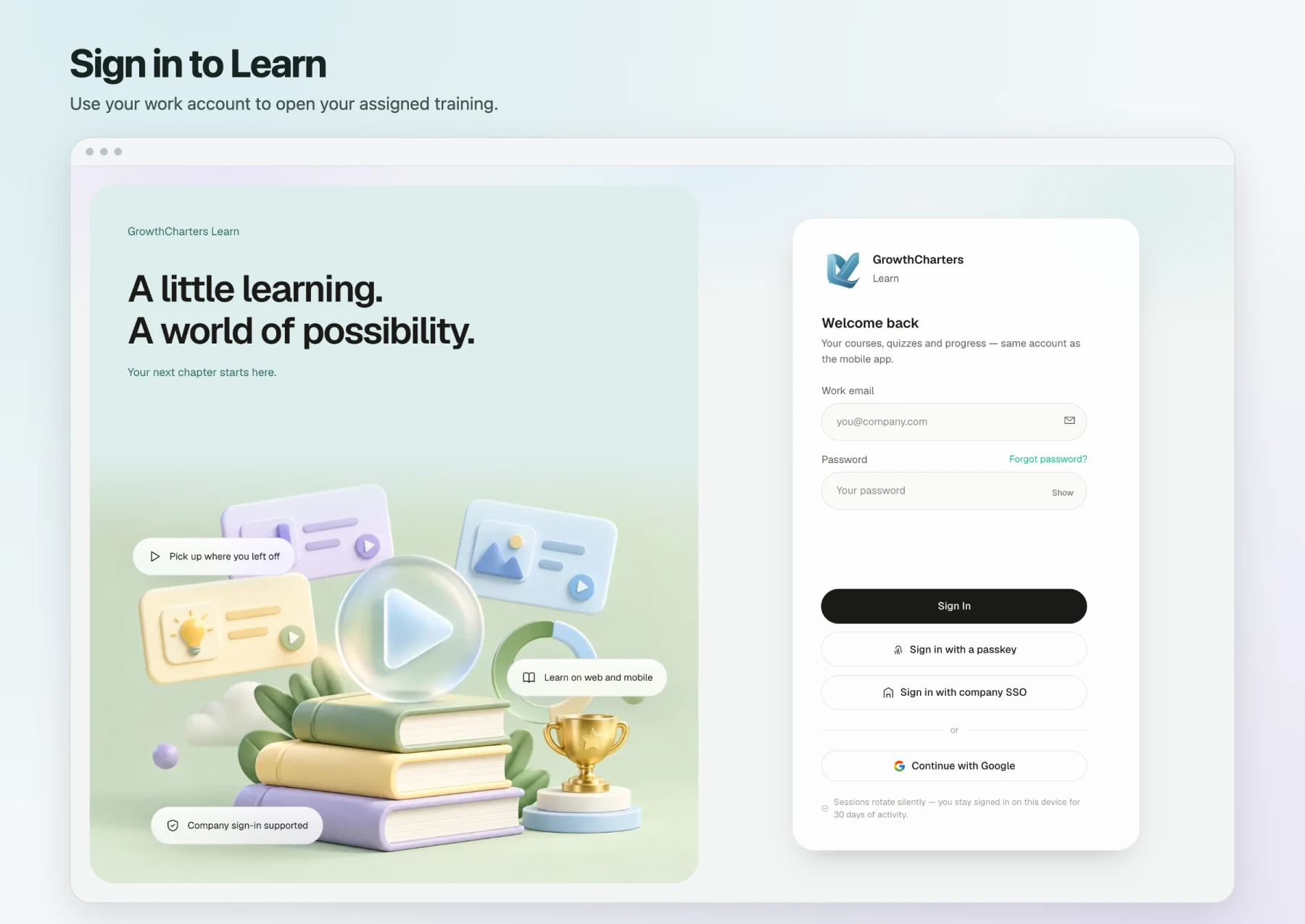
Learn sign-in
Enter your work email to access your workspace.
First-time learner password
Set a password when prompted.