Document Control journey
Follow a controlled document through review, release, and acknowledgement, then see how to restore an older file as a draft.
Studio · Admin or repository owner
Create a repository and add a document
A repository is a folder of related documents with its own team. A contributor adds a document, chooses its audience and submits it for review.
Create a repository →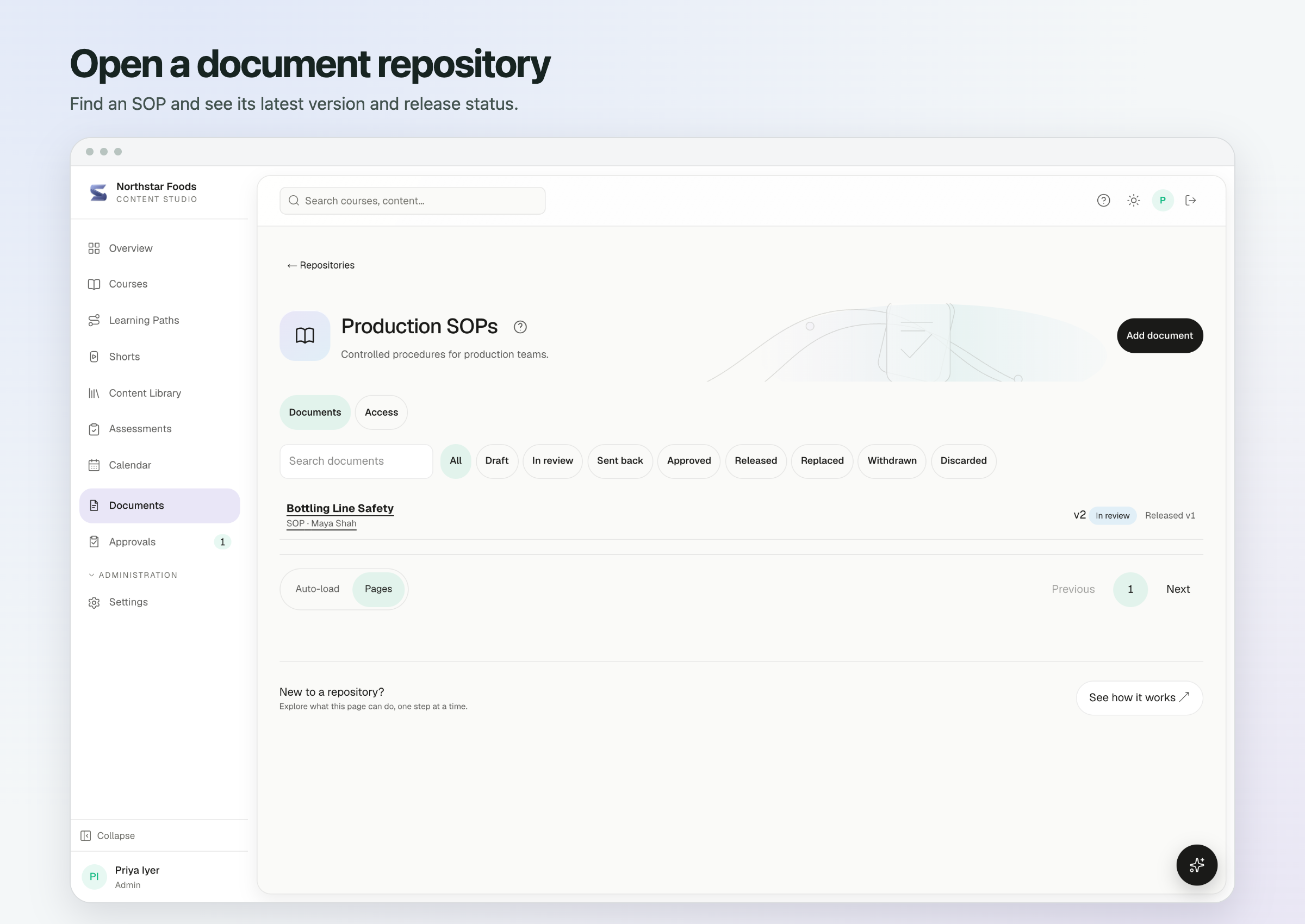
Studio · Reviewer and approver
Review and approve a version
A reviewer sends the version back or reviews it, and an approver approves it. The author can never approve their own version. After approval the version is not live yet.
How a version moves →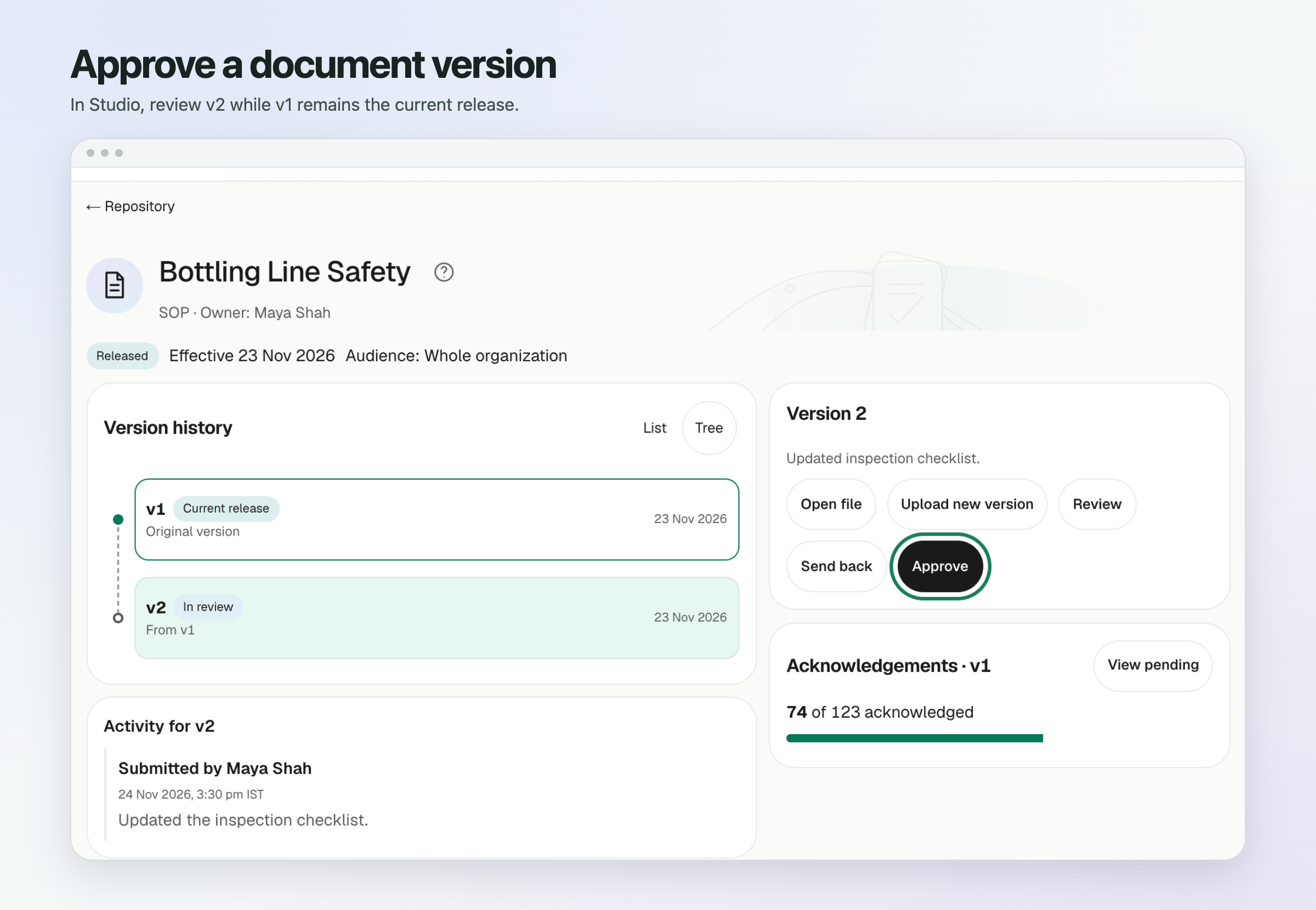
Studio · Approver
Release it to your people
Releasing makes the version live for its audience and replaces the previous one. You choose what should happen next: nothing, read and acknowledge, refresher training or reassessment.
Releasing a version →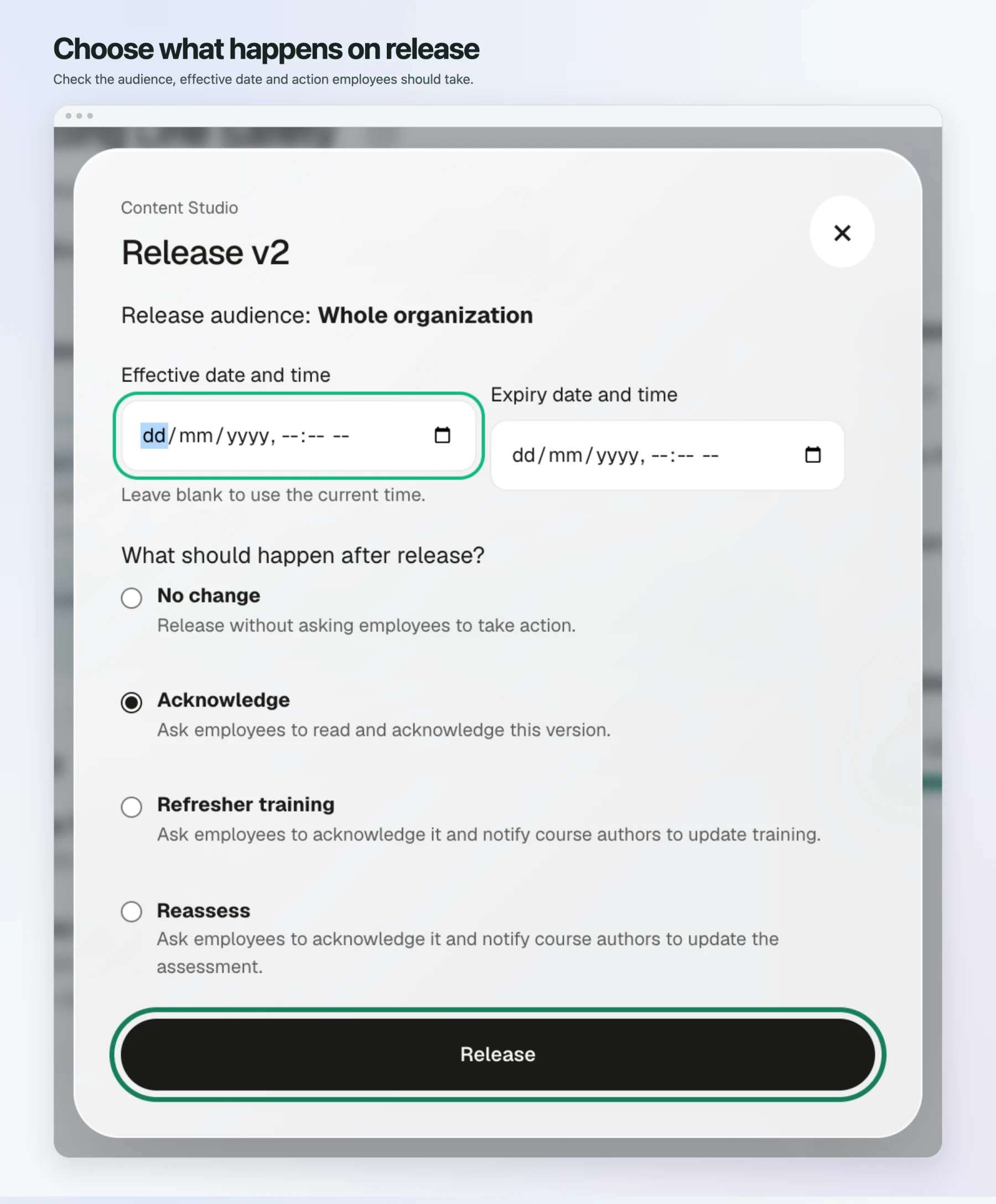
Learn · Learner
Read and acknowledge a document
A released document that needs reading shows Please acknowledge. After reading, the learner confirms, and the date is recorded for the audit trail.
Documents you must read →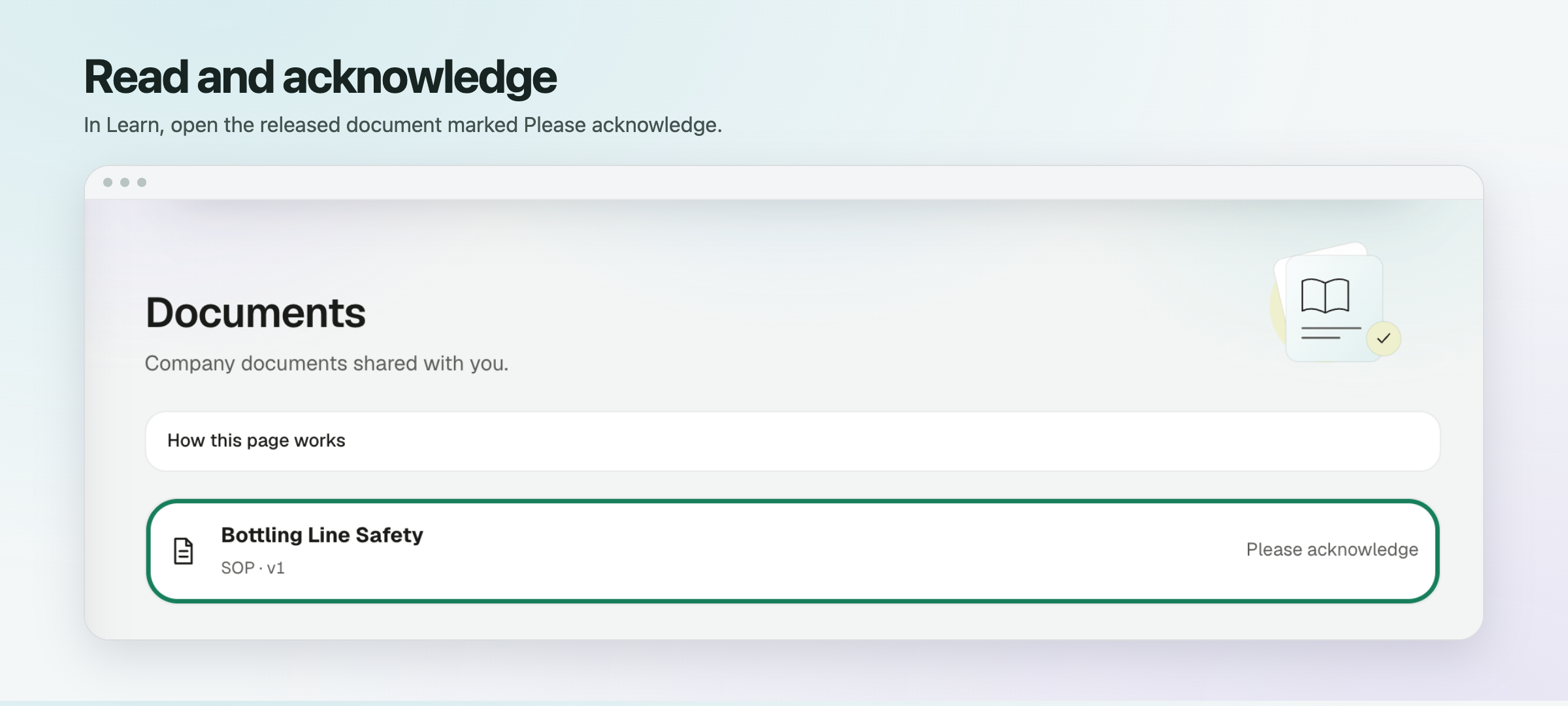
Studio · Approver
Restore an earlier file as a draft
Open the replaced version, select Restore as draft and give a reason. Review the new draft before you release it. The current release stays available in the meantime.
Document Control →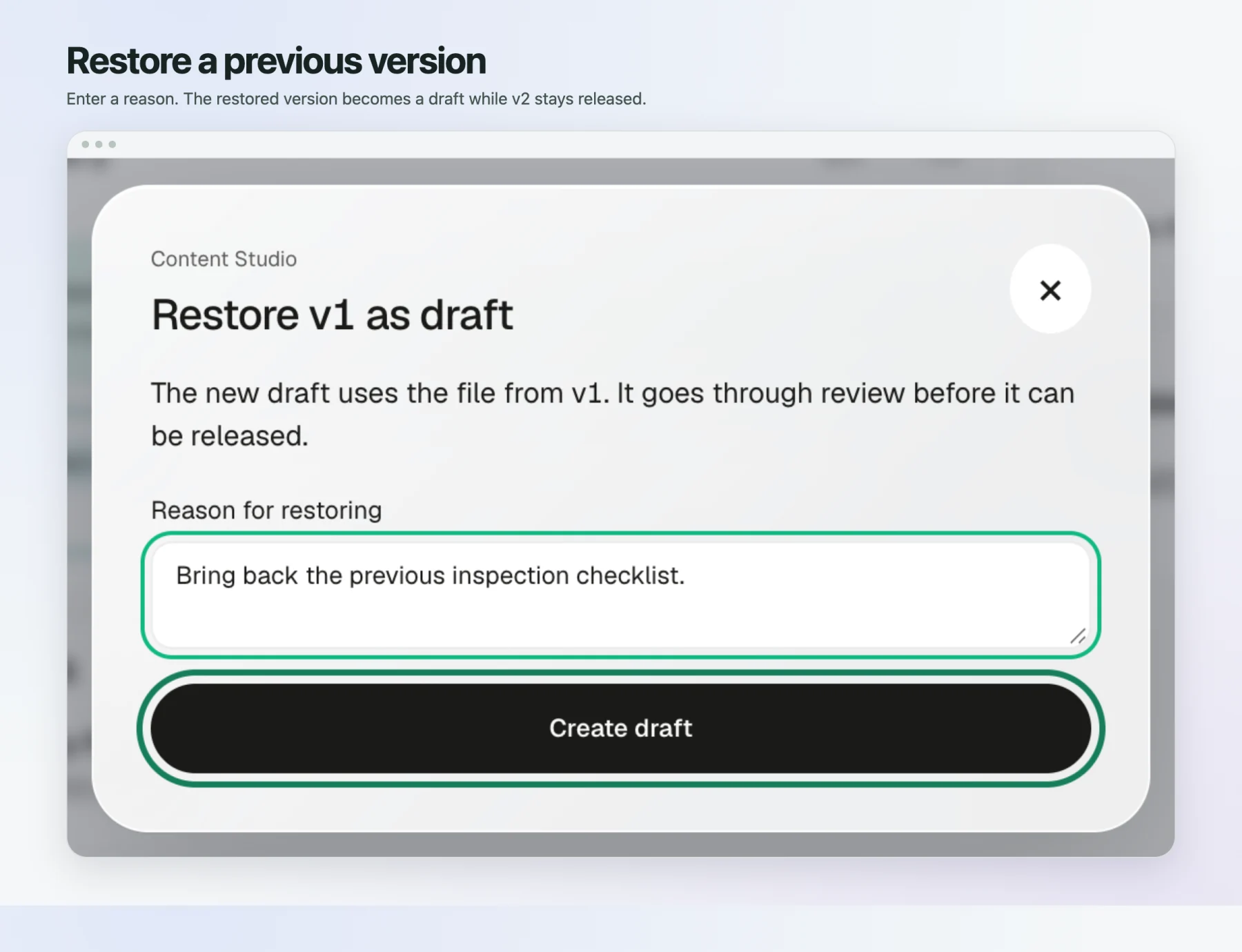
Corp · Admin and managers
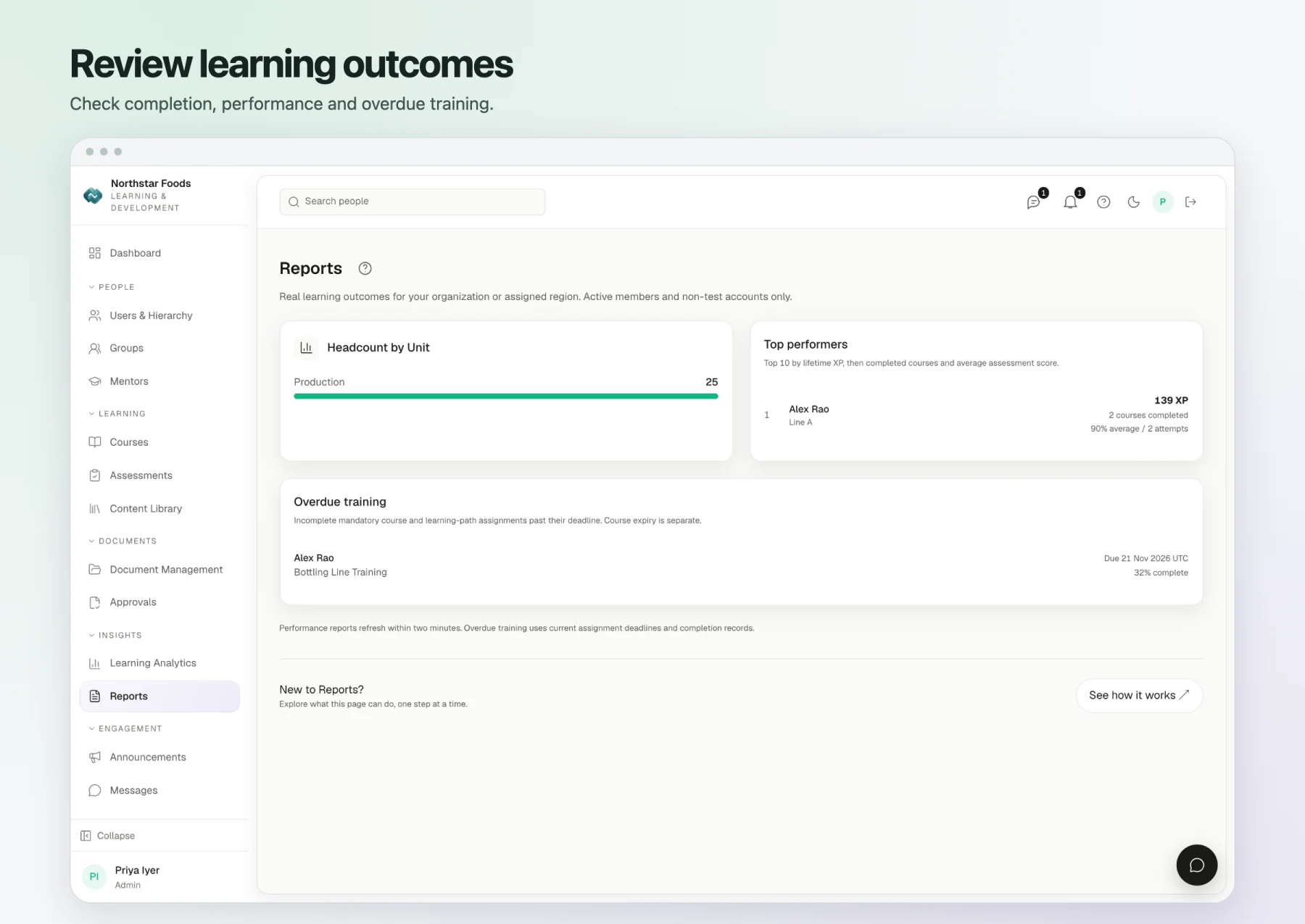
Check progress and keep the evidence
Dashboards and reports show who has completed what. Audit Logs show every action with who and when, and each document shows who has acknowledged which version.
Reports and audit →