Learn journey
What a learner opens, reads and completes.
Browse all screens →Learn · Learner
See what your people see
Learn opens on their training: what to resume, what is in progress, their certificates and streak, and the quizzes waiting for them.
The learner home →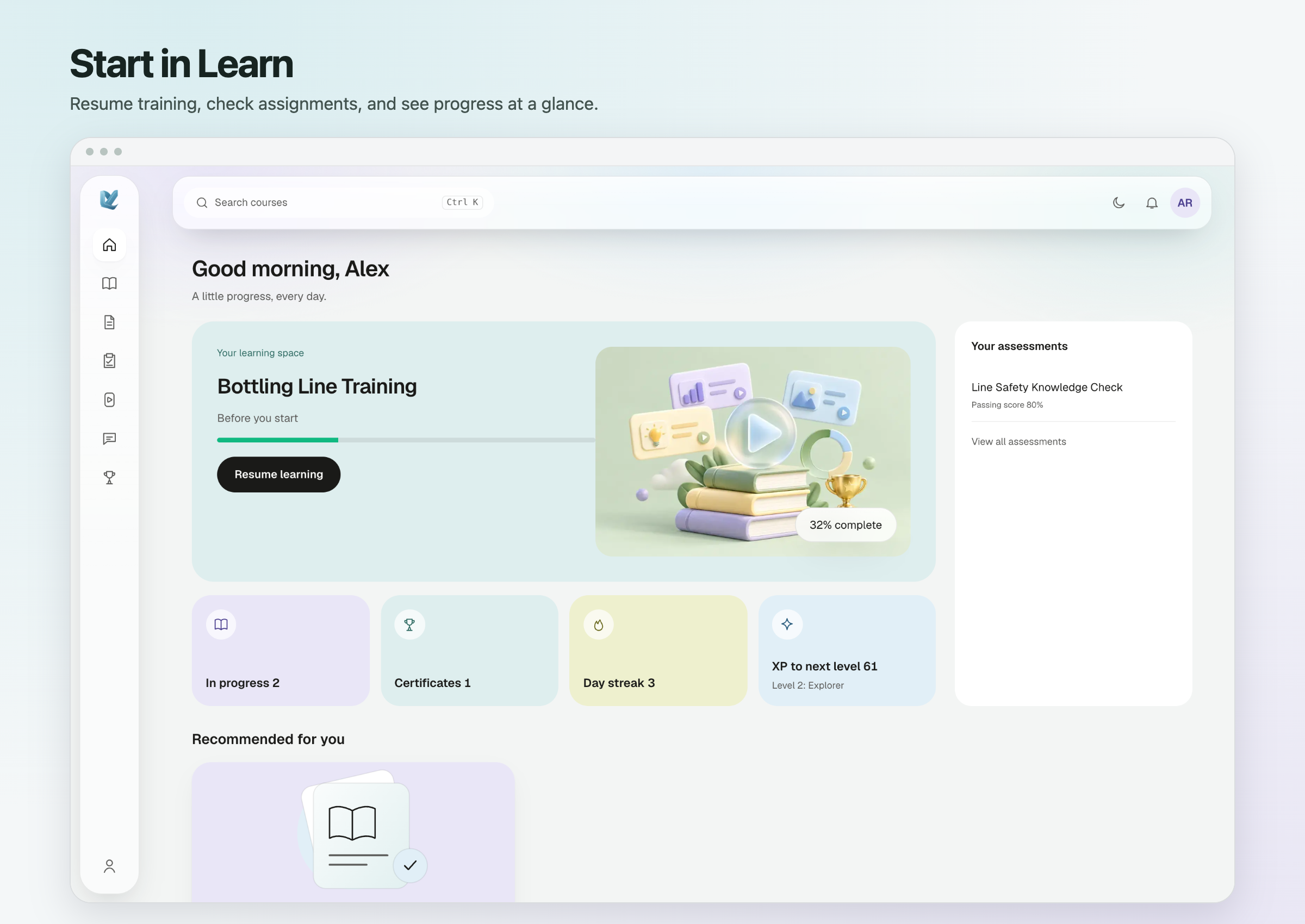
Learn · Learner
Open a course and finish its lessons
Courses list progress. A learner opens a lesson, watches or reads it, completes it and moves to the next.
Courses and lessons →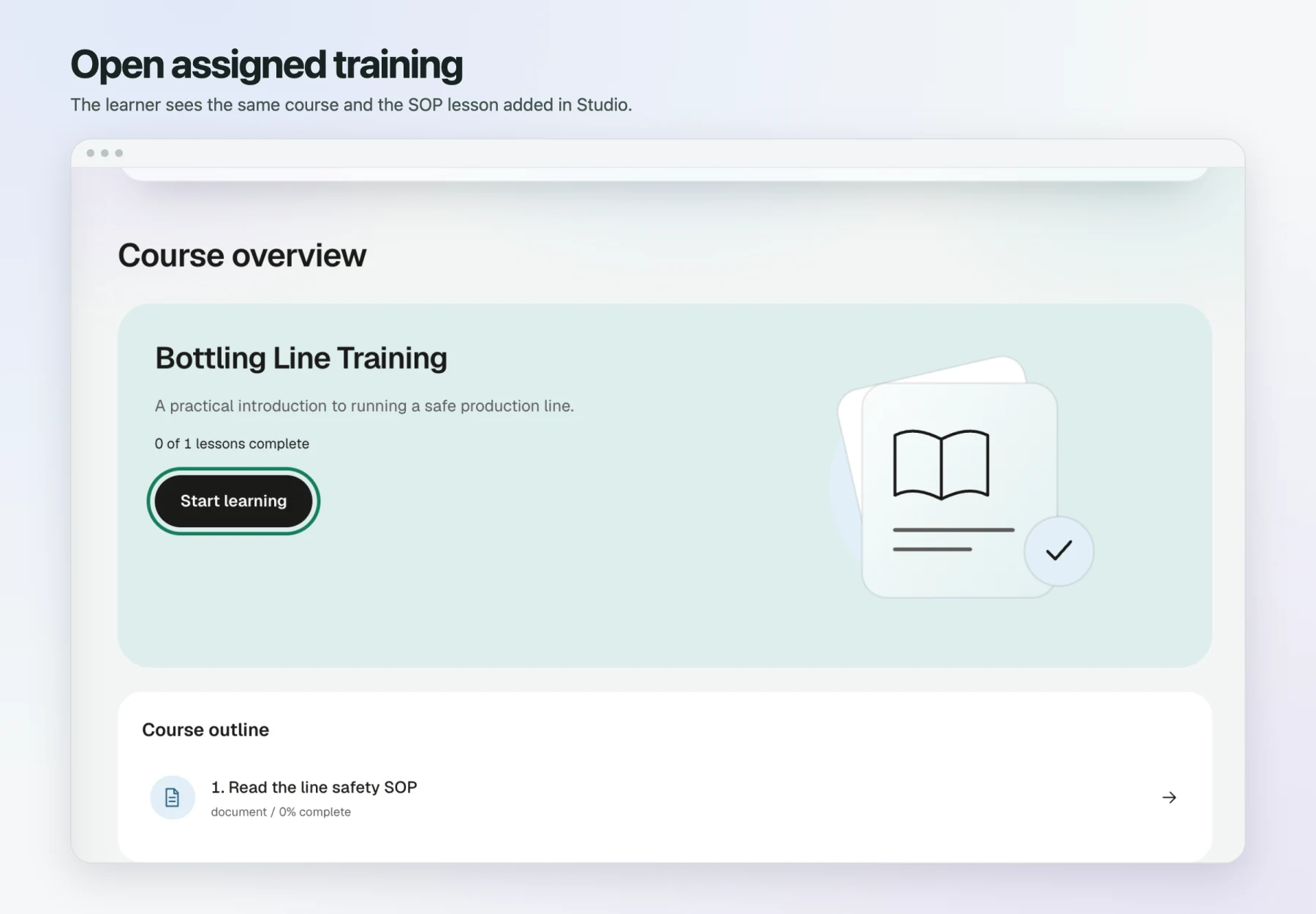
Learn · Learner
Read and acknowledge a document
A released document that needs reading shows Please acknowledge. After reading, the learner confirms, and the date is recorded for the audit trail.
Documents you must read →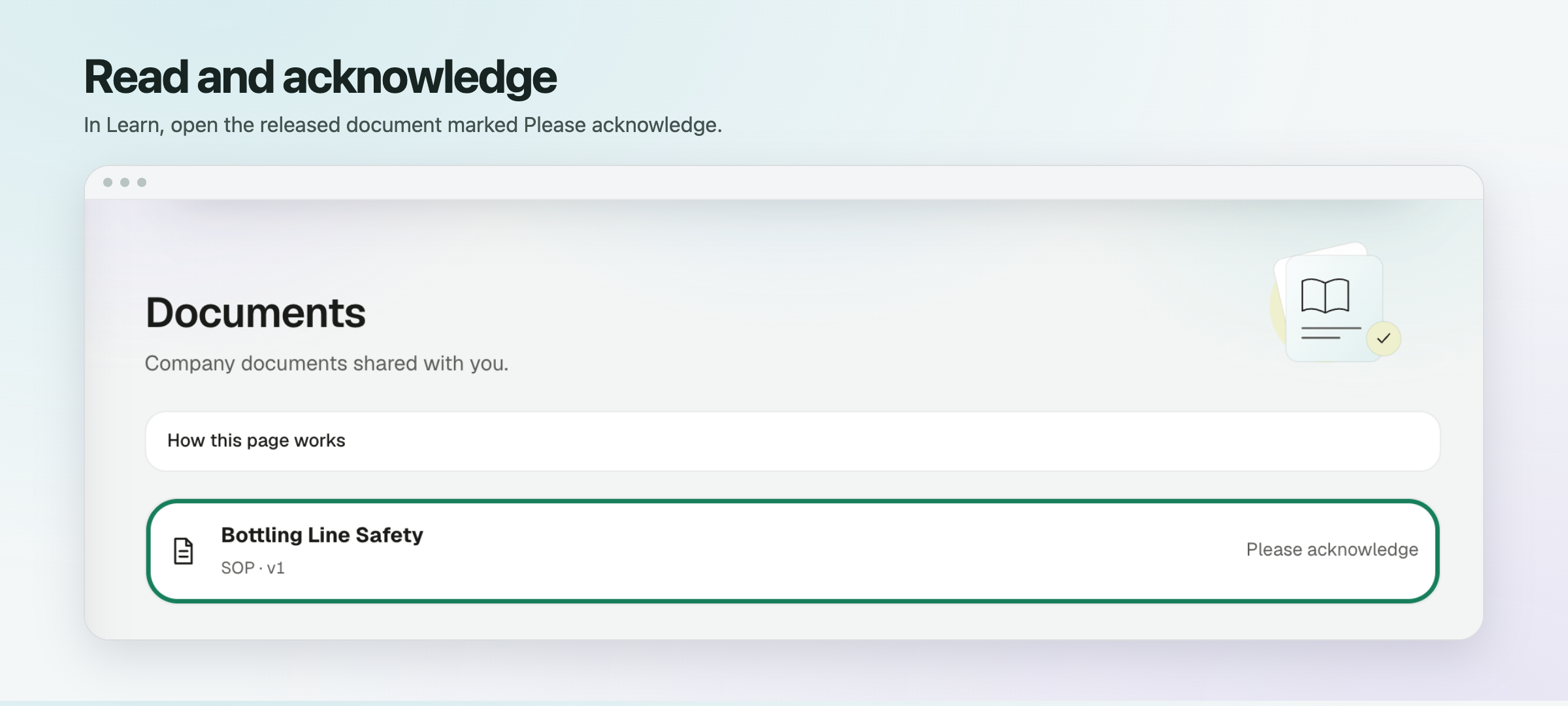
Learn · Learner
Take a quiz
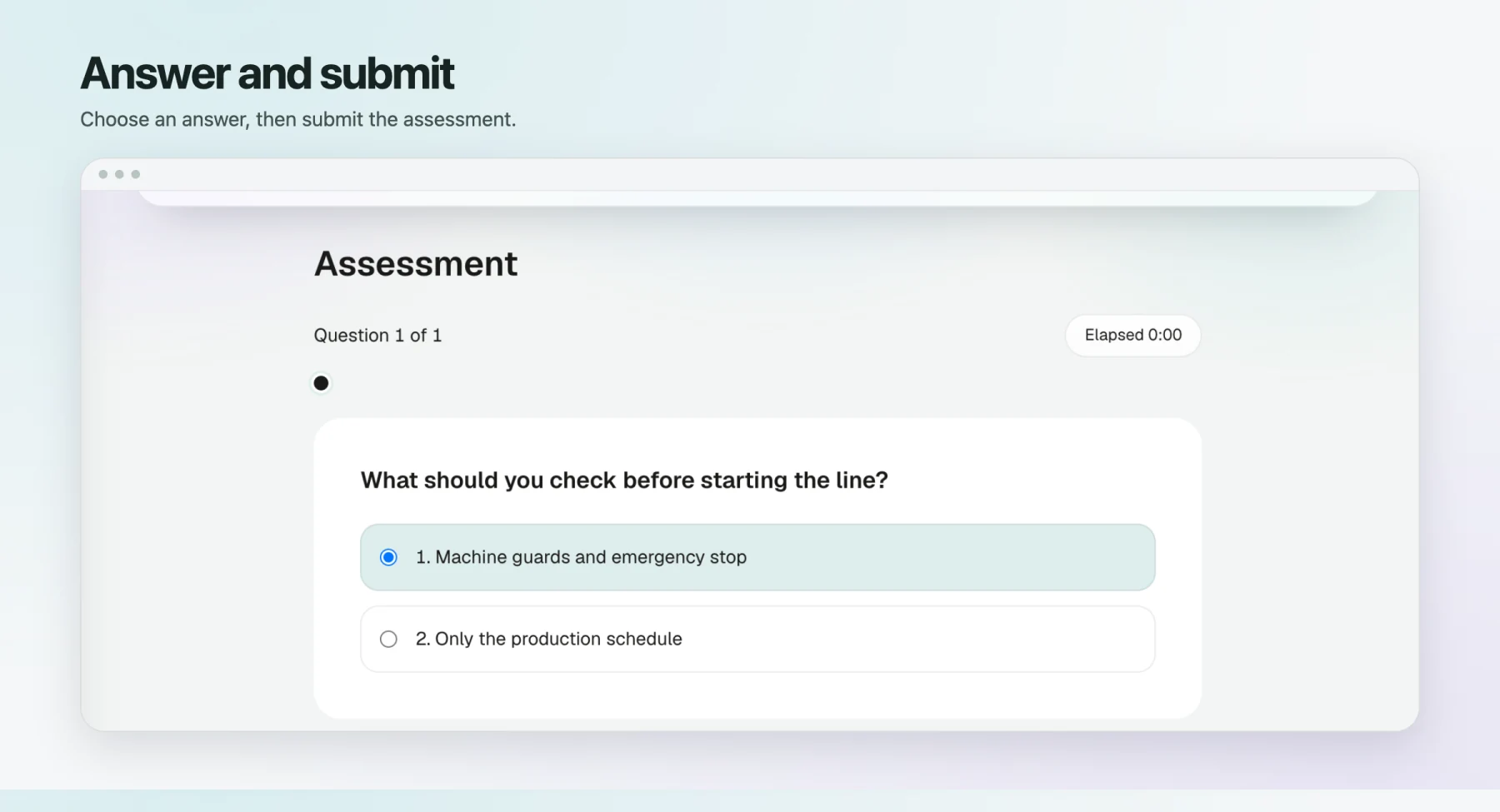
Quizzes are listed as To do, Passed or All. A proctored quiz shows its rules before it starts and needs full screen.
Quizzes →